MindManager Suite 2024 delivers intuitive mind mapping software to increase productivity in the classroom and beyond.
MindManager’s flexible mind maps and diagrams promote freeform thinking and enable quick organization of ideas and information. Use MindManager’s visual format to capture, organize and communicate complex topics more clearly. Manage your work more effectively with MindManager.
MindManager is an ally for every plan, project, and process; including:
-
Mind Maps:
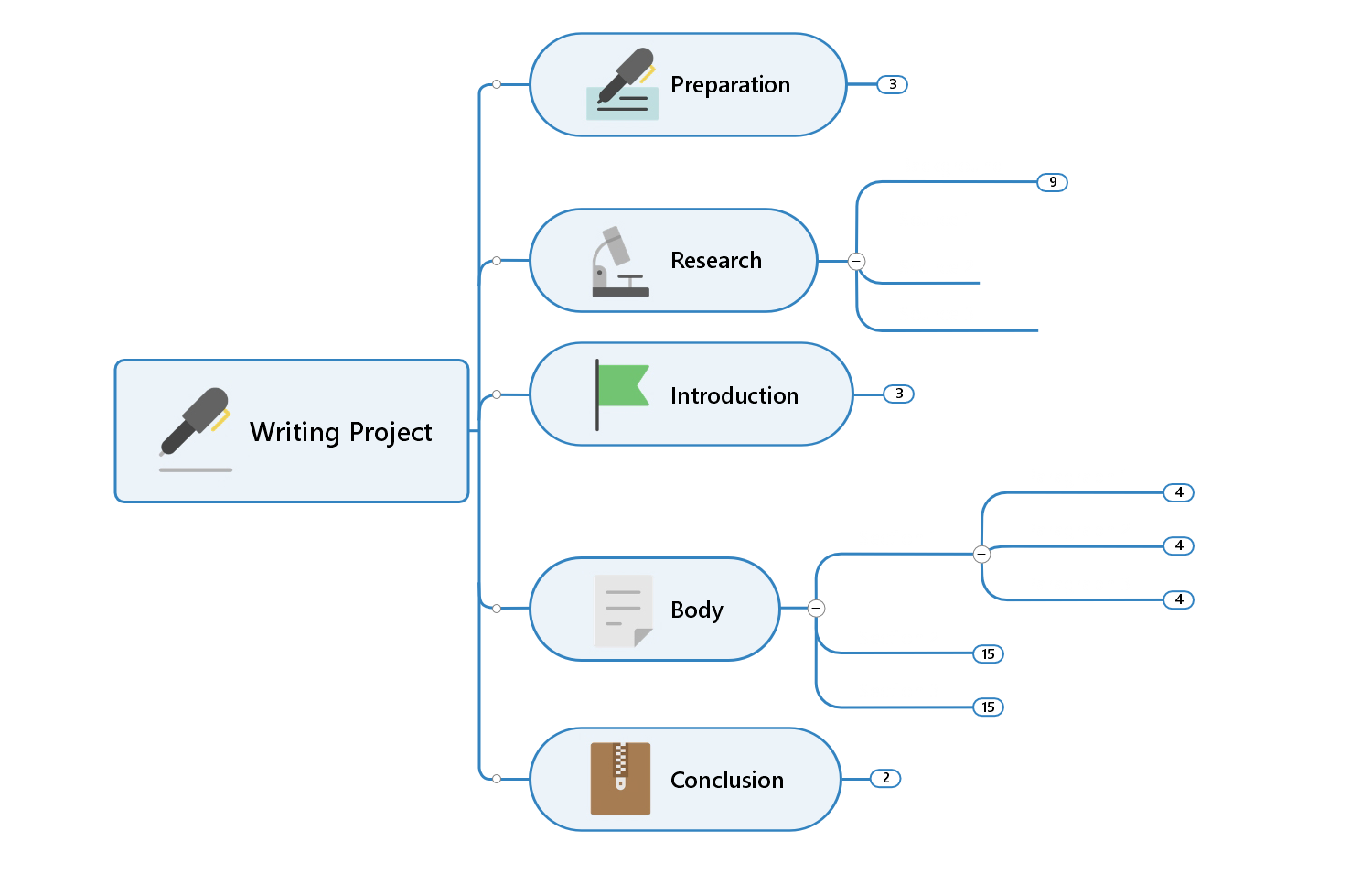 Go from brainstorm to project execution and get your ideas out as quickly as you can think of them. See your projects take shape as you assign resources, costing, and more.
-
Org Charts:
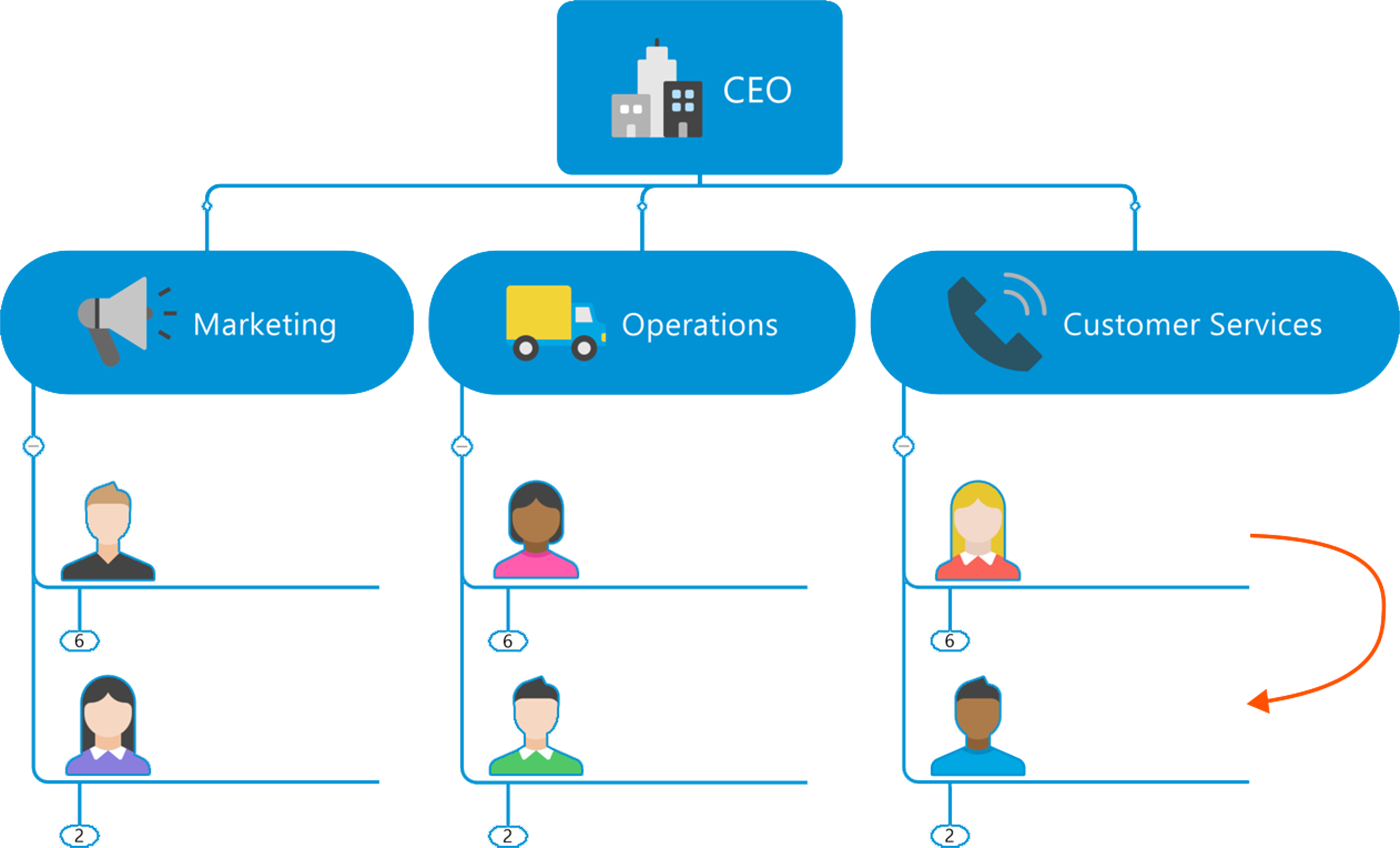 Create a snapshot or overview of all team members on a project. From there, each group can personalize with images, text, and more for a personalized touch.
-
Timelines:
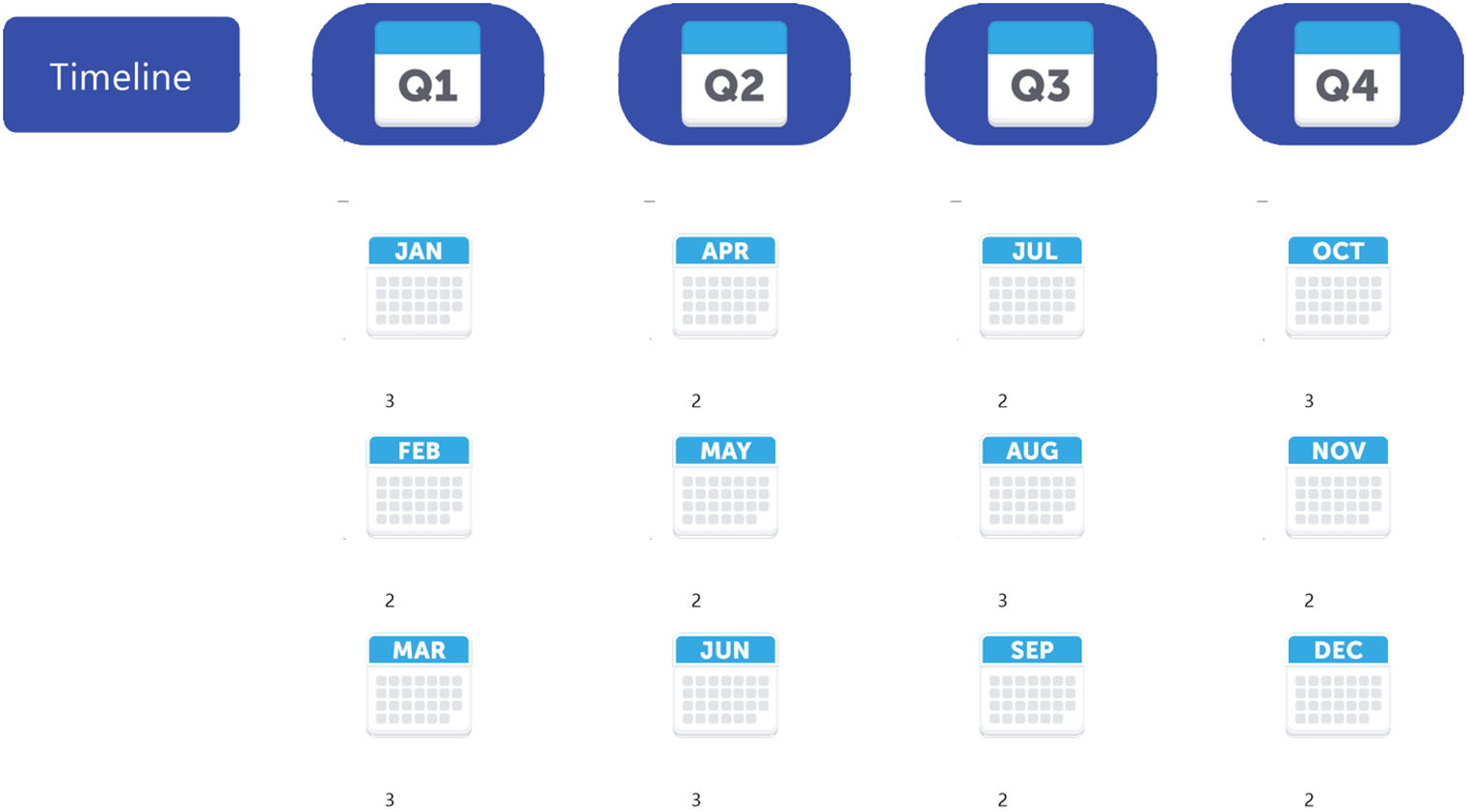 Use the framework of a timeline to visually lay out the specific data and details of a particular subject or exam to ensure you ace the test.
-
Flowcharts:
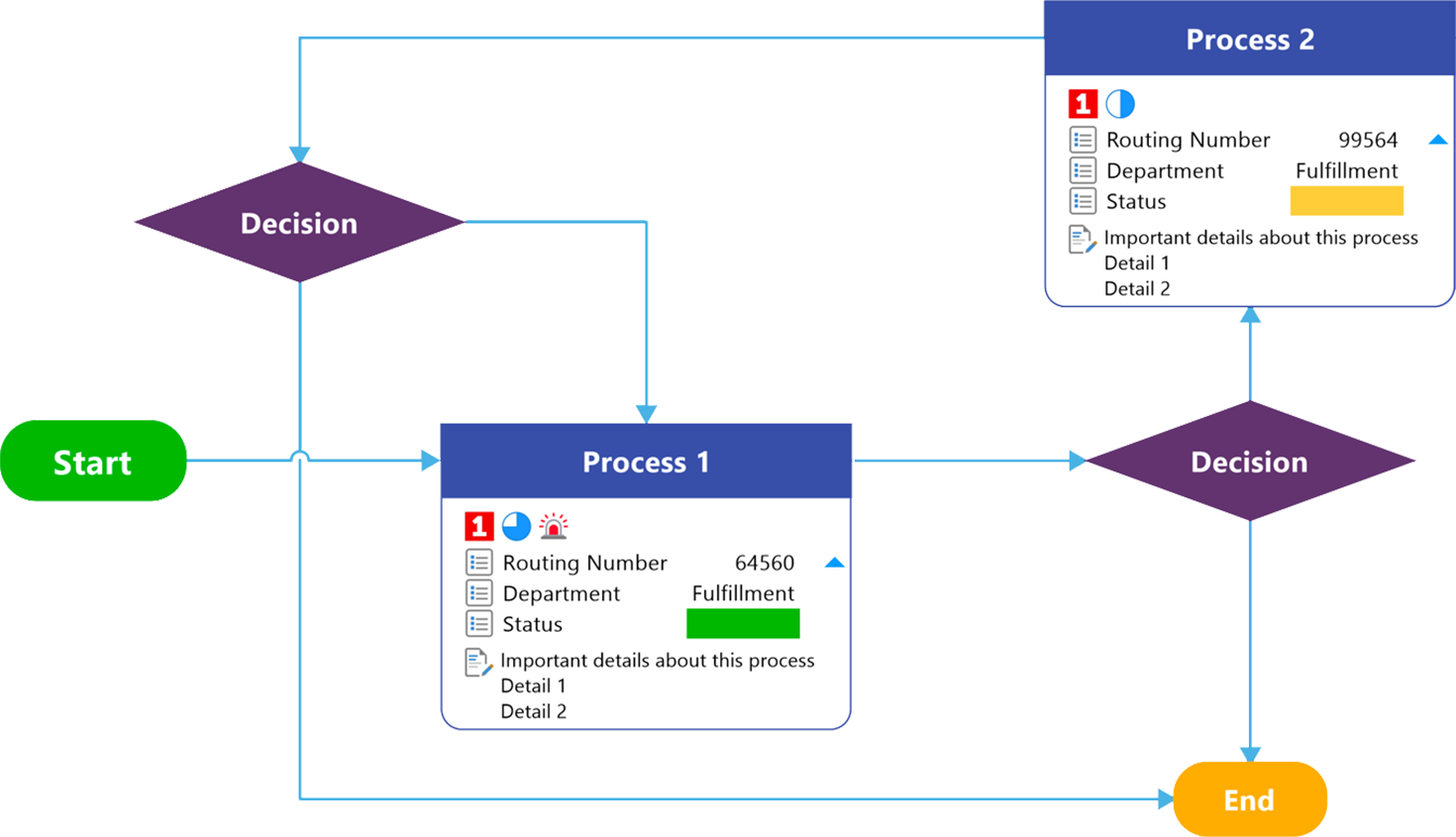 Break down large projects into small, manageable tasks that can be assigned to teams. Or, present and explain complex information with easy-to-use flowcharts.
-
Concept Maps:
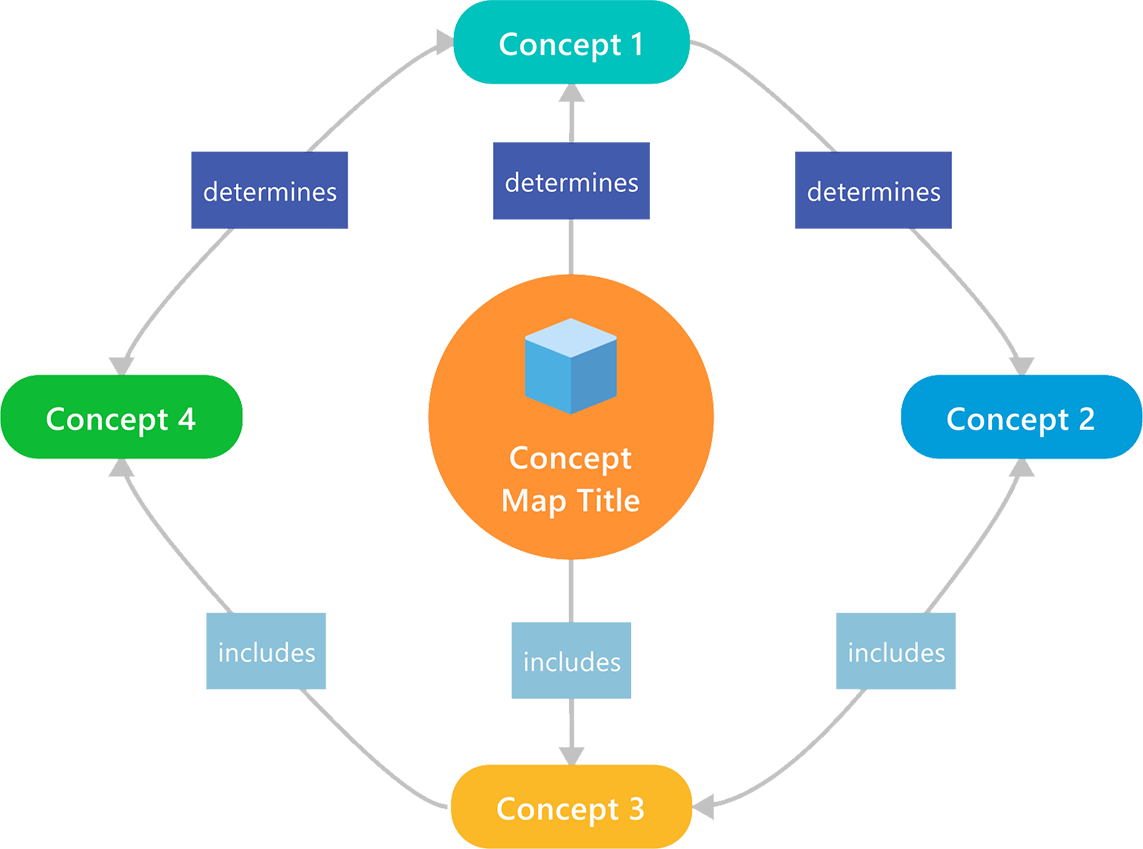 Visualize relationships between ideas and information that takes your projects to the next level.
-
Venn & Onion Diagrams
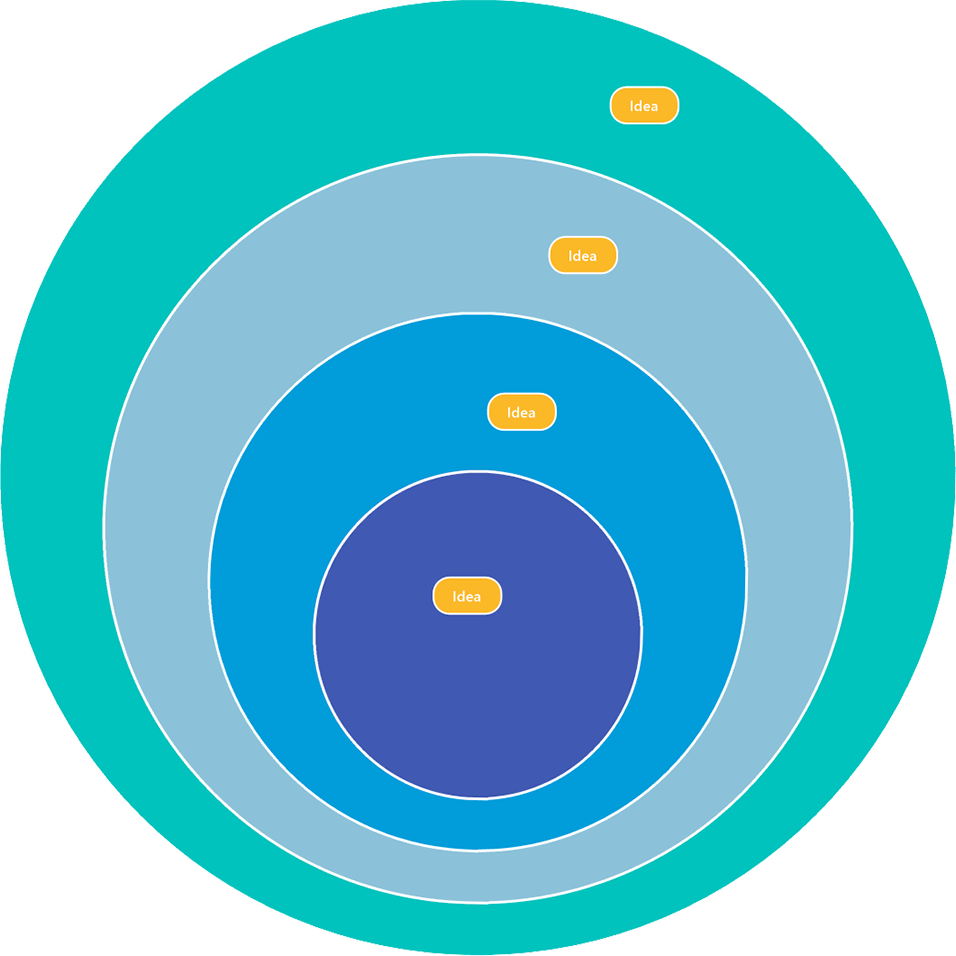 See the relationship among sets of items to identify similarities and differences. It will also help you visualize the dependencies among projects or processes.
-
Kanban Boards:
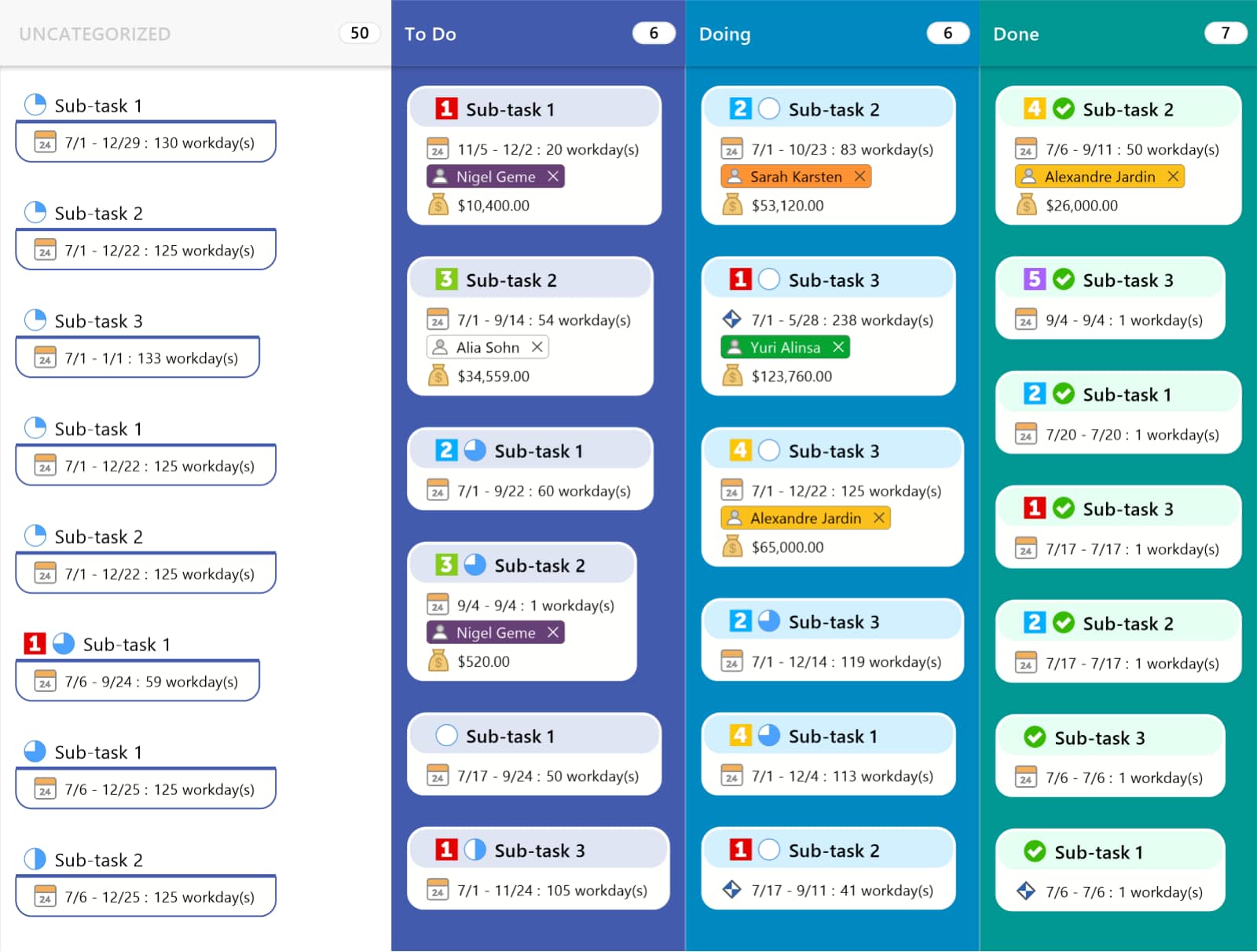 Track your projects, research, and writing visually from start to finish. Kanban boards give you a clear view of ideas, upcoming tasks, and ongoing project progress.
-
Funnel Charts:
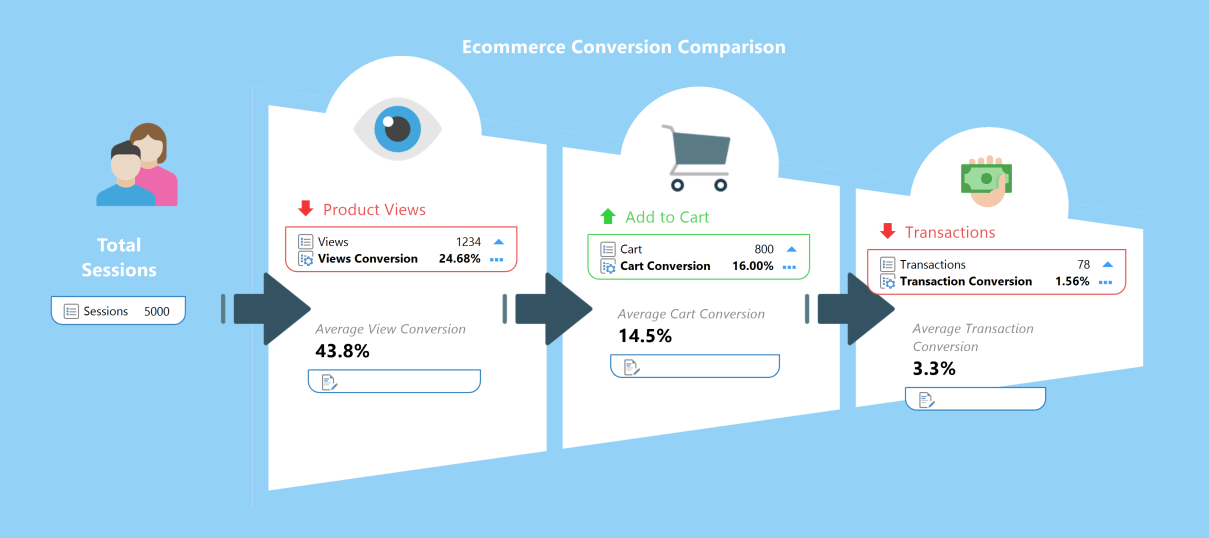 Get a clear, visual representation of multiple stages in any process that relates to your project. Funnel charts can also be used to identify potential problem areas.
-
Matrix Diagrams:
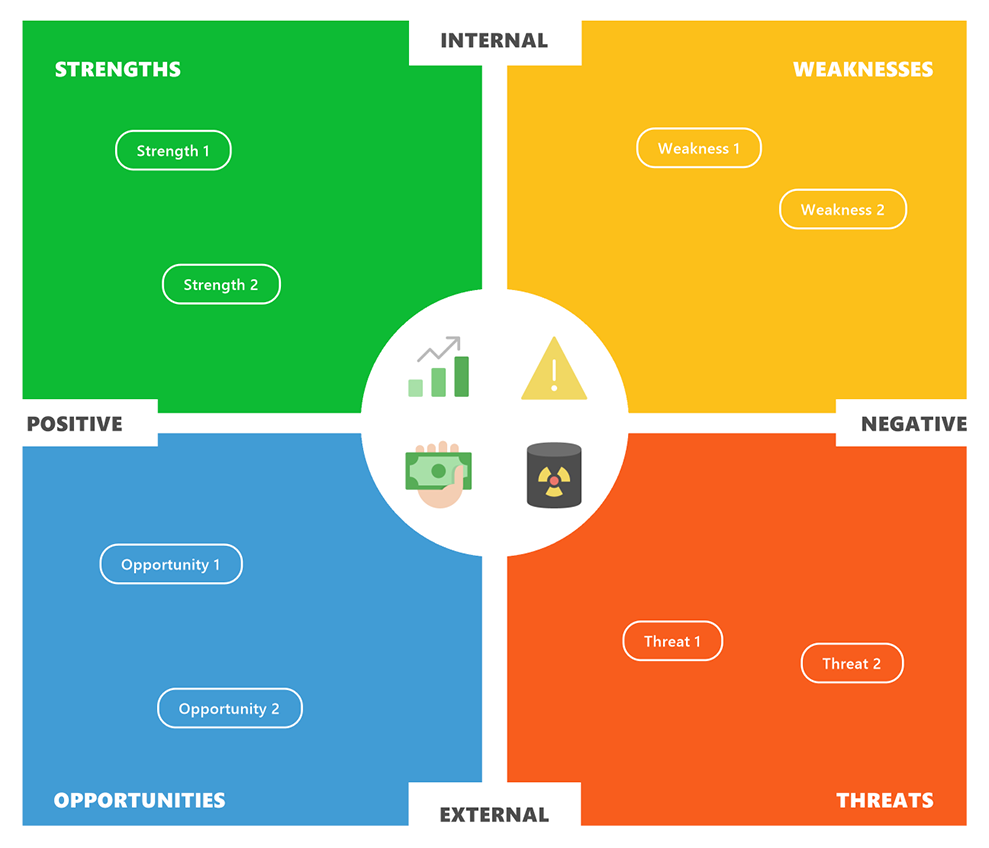 Matrix diagrams are a great tool to clearly identify the relationships between multiple sets of data, helping you problem solve better and improving projects in the classroom.
MindManager Benefits for Students, Faculty & Classrooms
-
Turn Complexity Into Clarity:
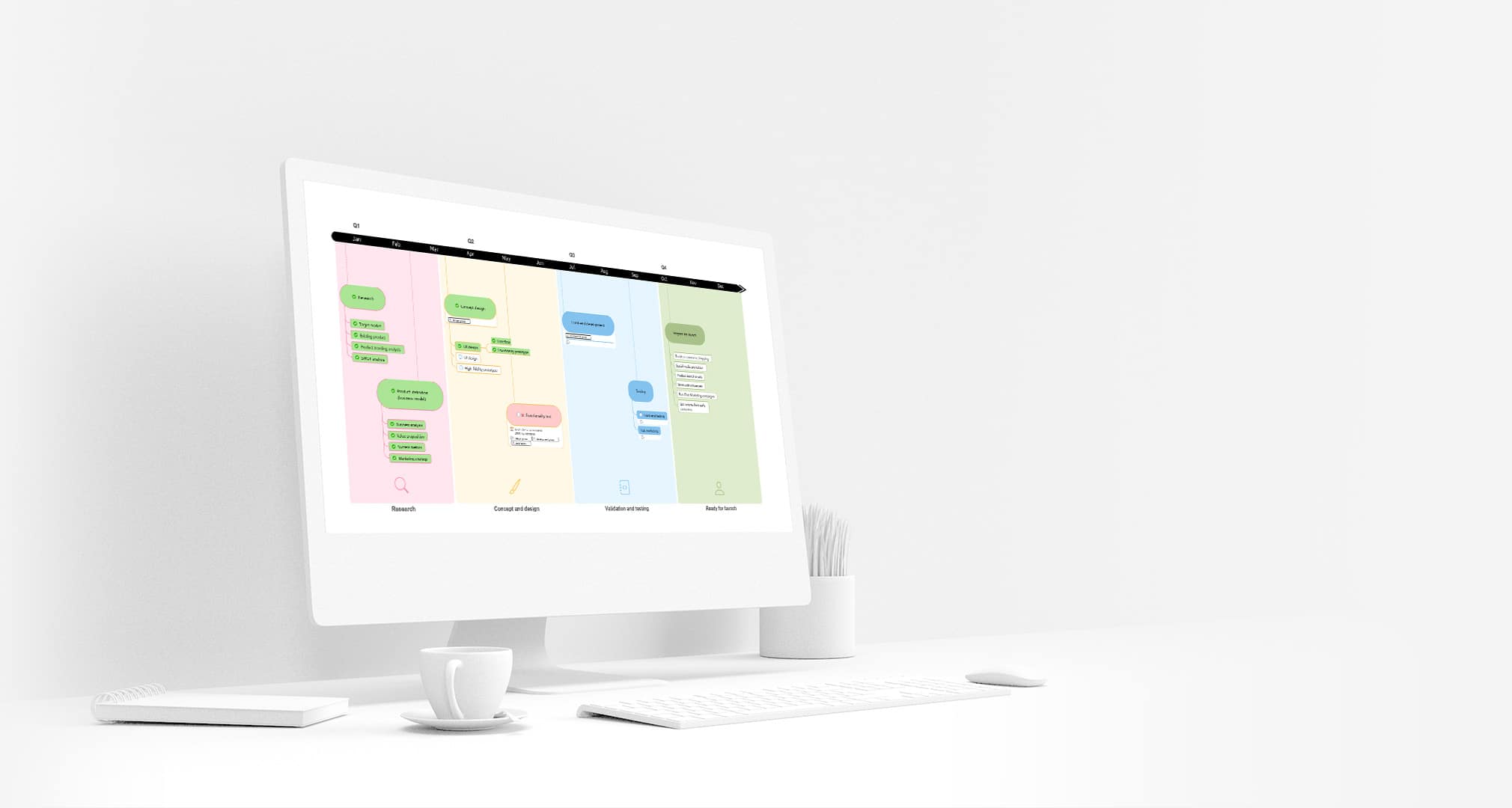 Within all the note taking is the actual knowledge you need. MindManager helps transform ideas into interactive visual maps that make information easy to understand.
-
Streamline Your Productivity:
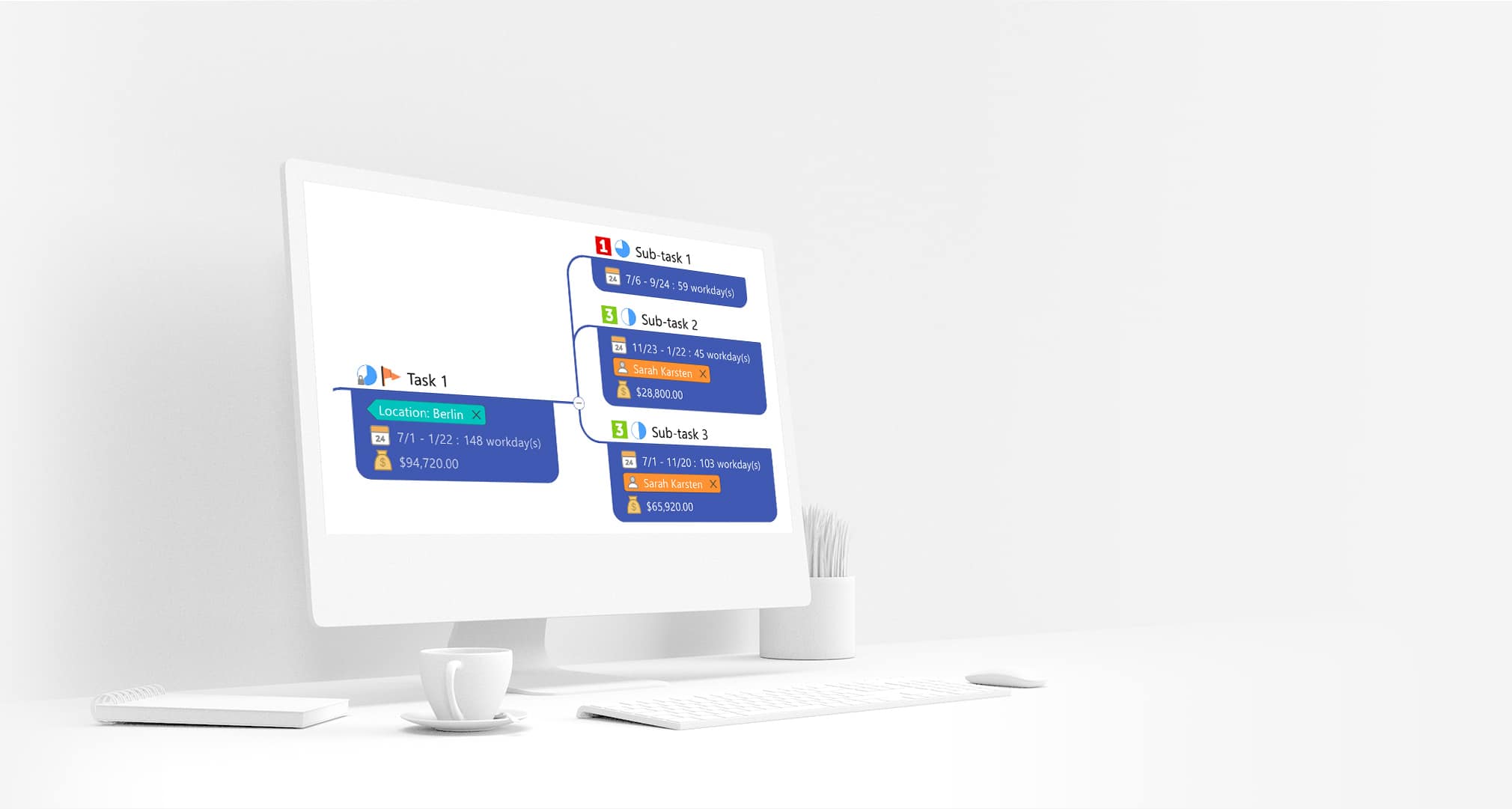 Break down big ideas into smaller bites. Drag topics around, draw connections between different ideas, and park related notes, links, and files where they belong.
-
Go From Idea to Implementation:
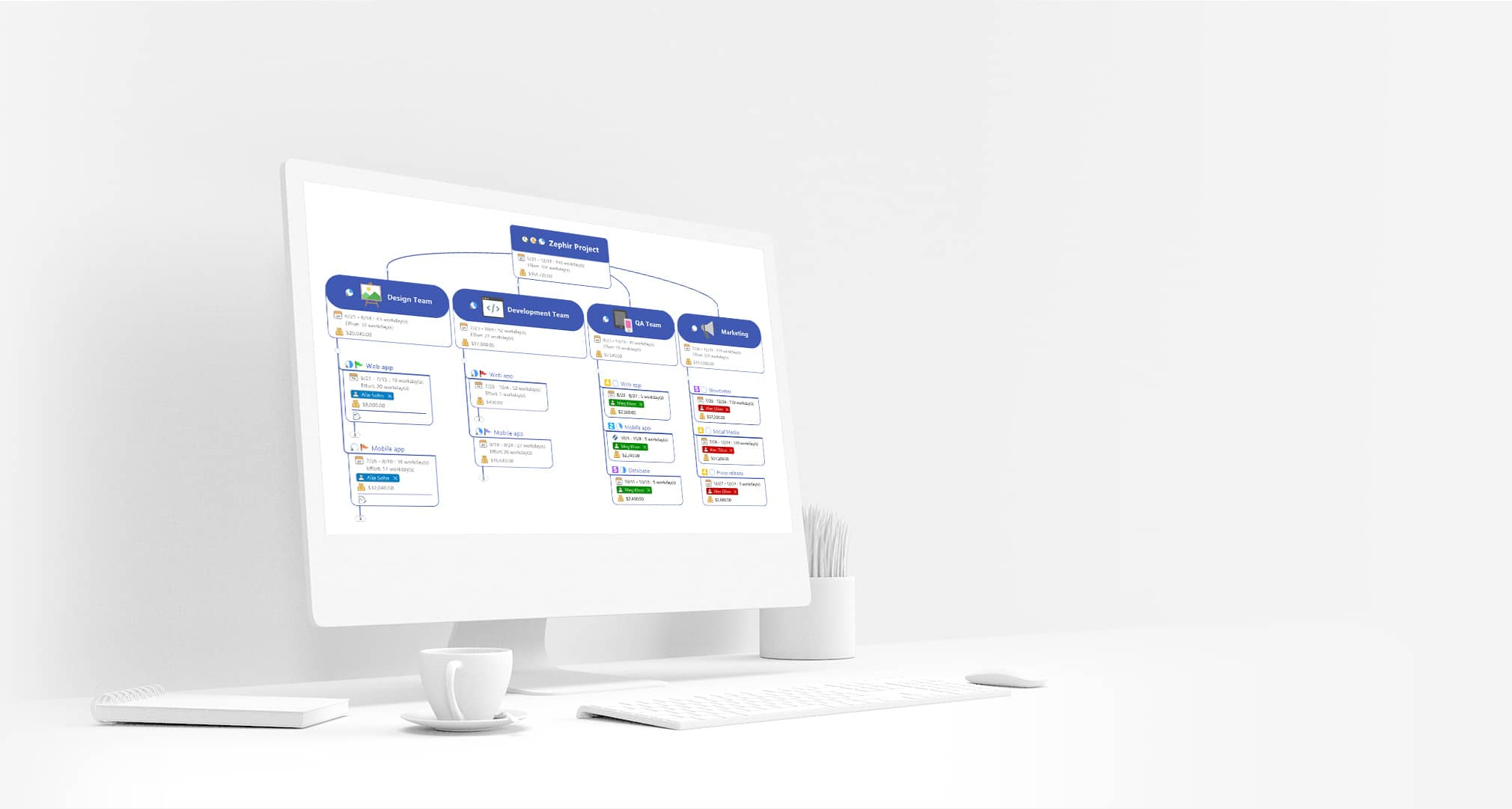 For any class project, the first step is brainstorming. From there, you can plan and execute in a single application that allows you to turn ideas into action.
-
Connect in More Ways:
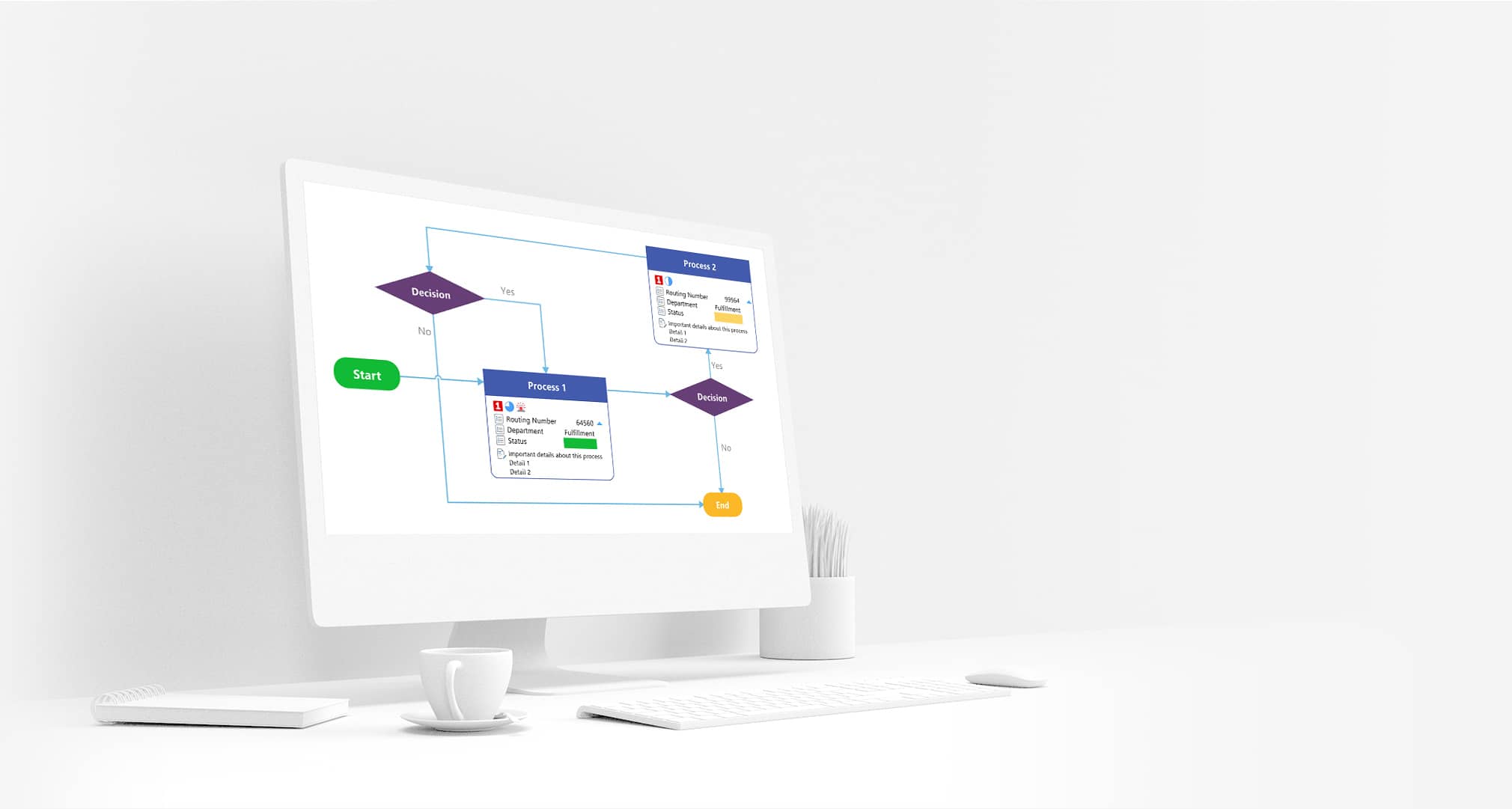 Experience cross-platform co-editing natively integrated into web, Chromebook, MindManager Windows and Mac, and Microsoft Teams.
For Students, MindManager makes mapping incredibly simple!
-
Text Tagging:
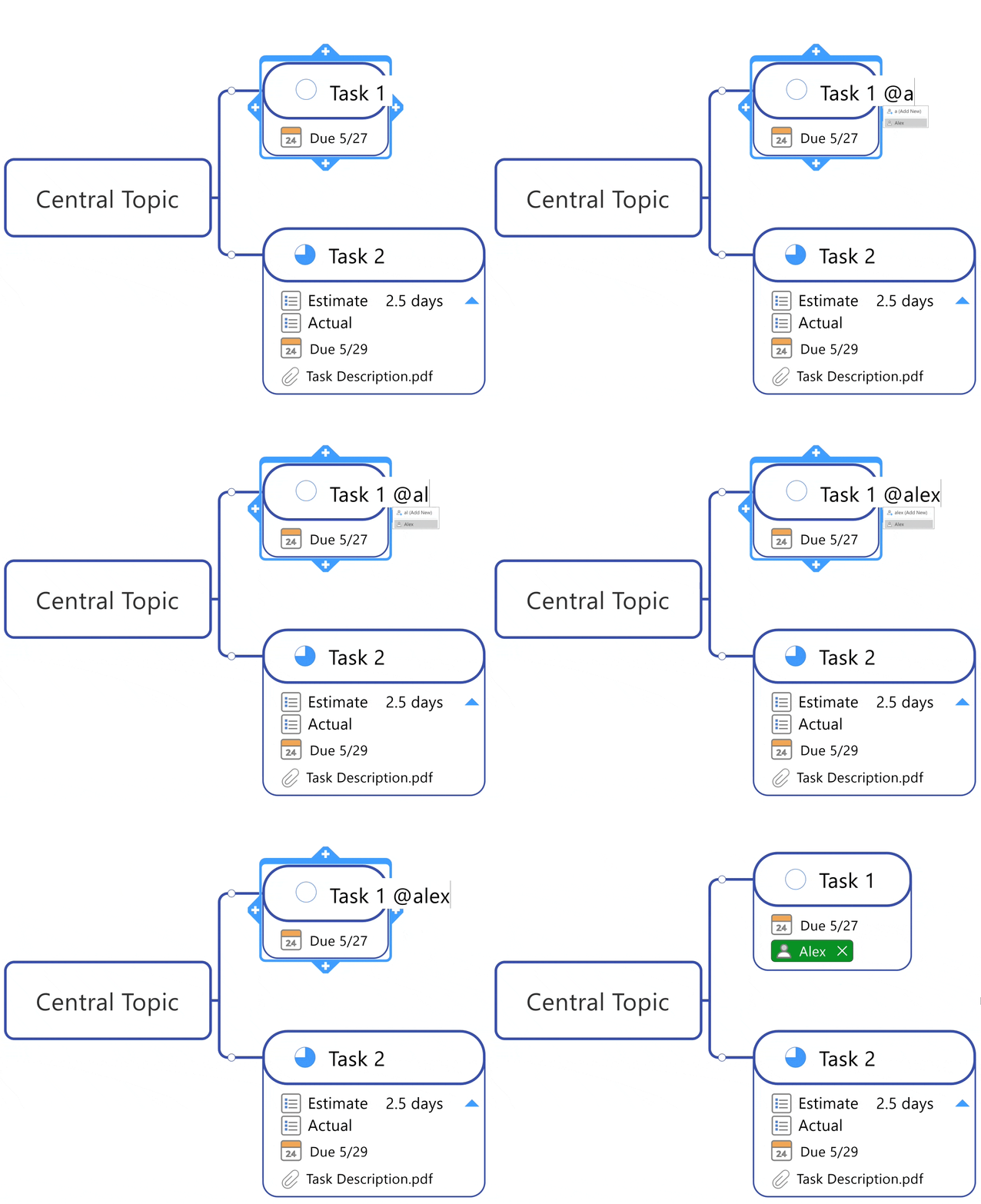 Add resources and tags to your subjects or topics simply by typing ‘@’ or ‘#’ followed by the resource or tag name.
-
Drag & Drop:
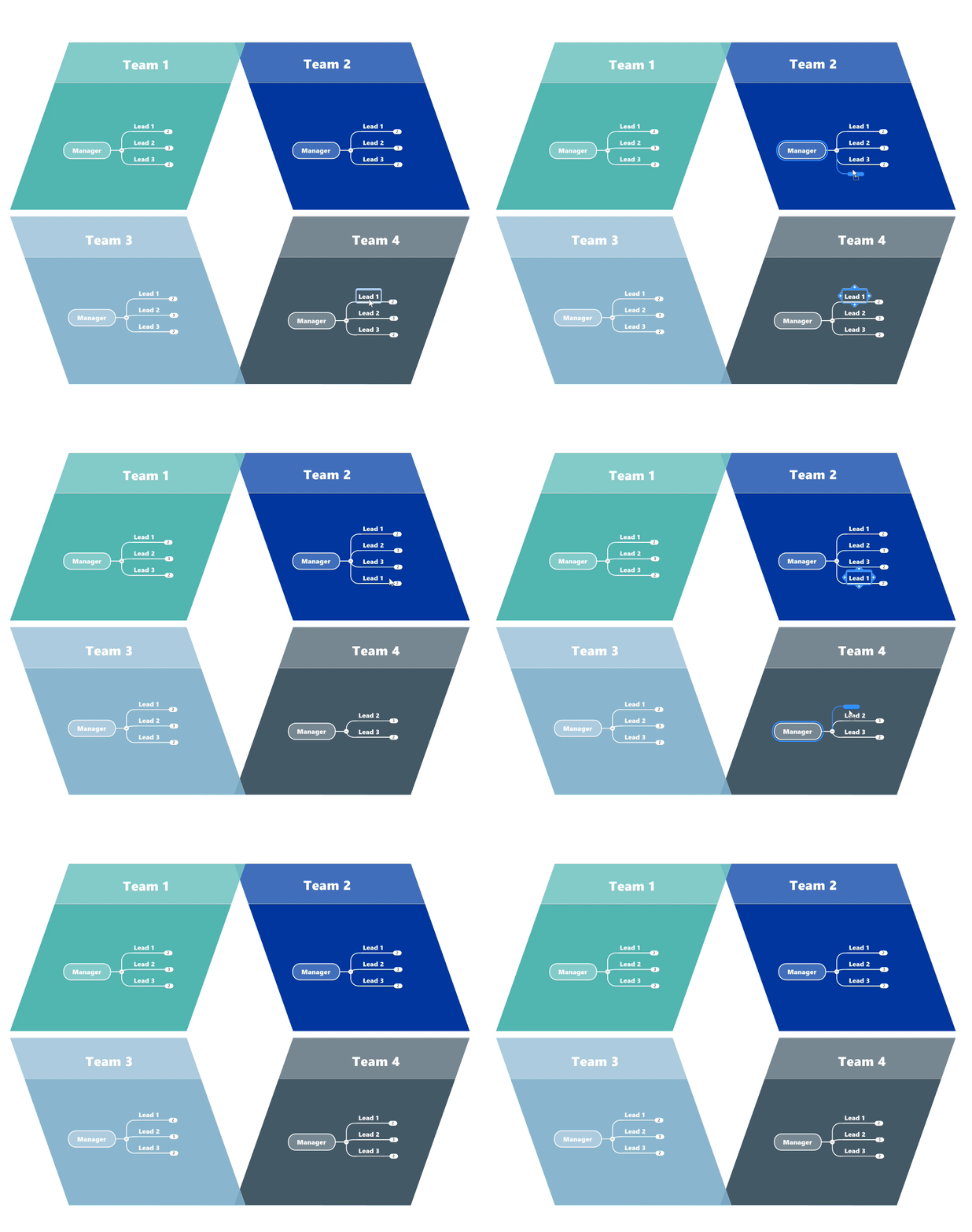 After you jot down your ideas seamlessly move everything around using the drag and drop functionality.
-
Priority Markers:
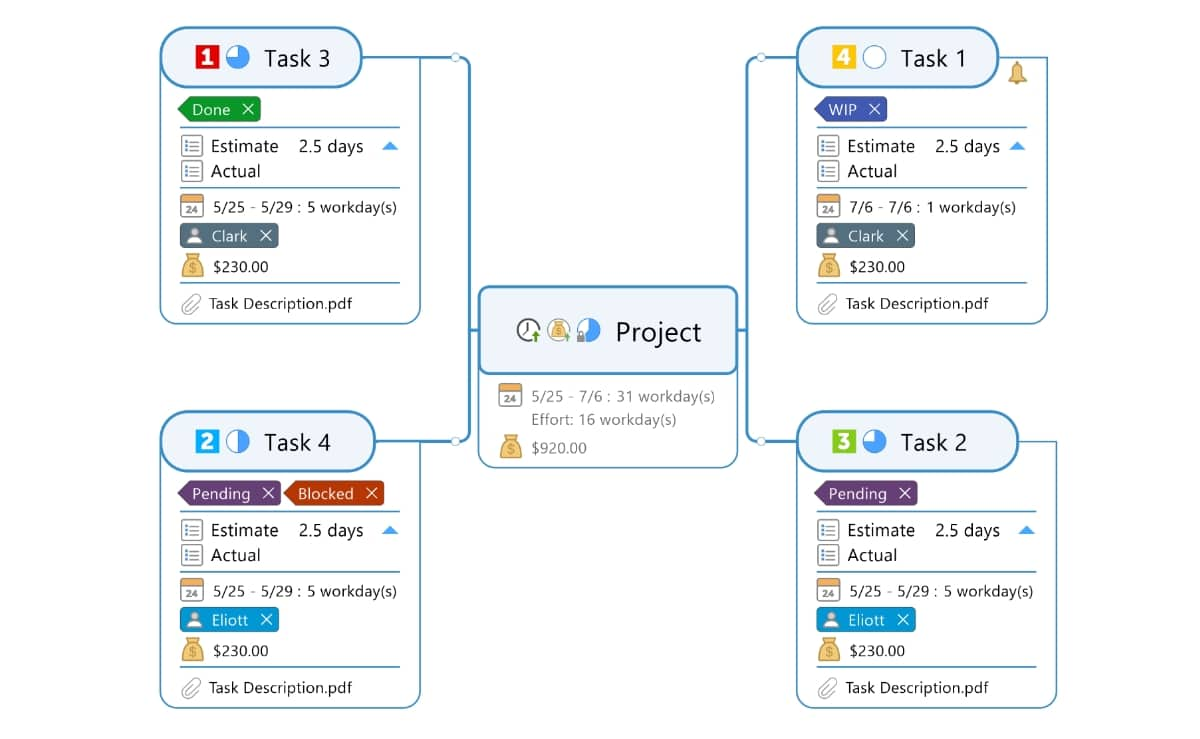 Keep track of new ideas or materials with priority markers that provide quick views of what requires immediate attention.
-
Whiteboard Template:
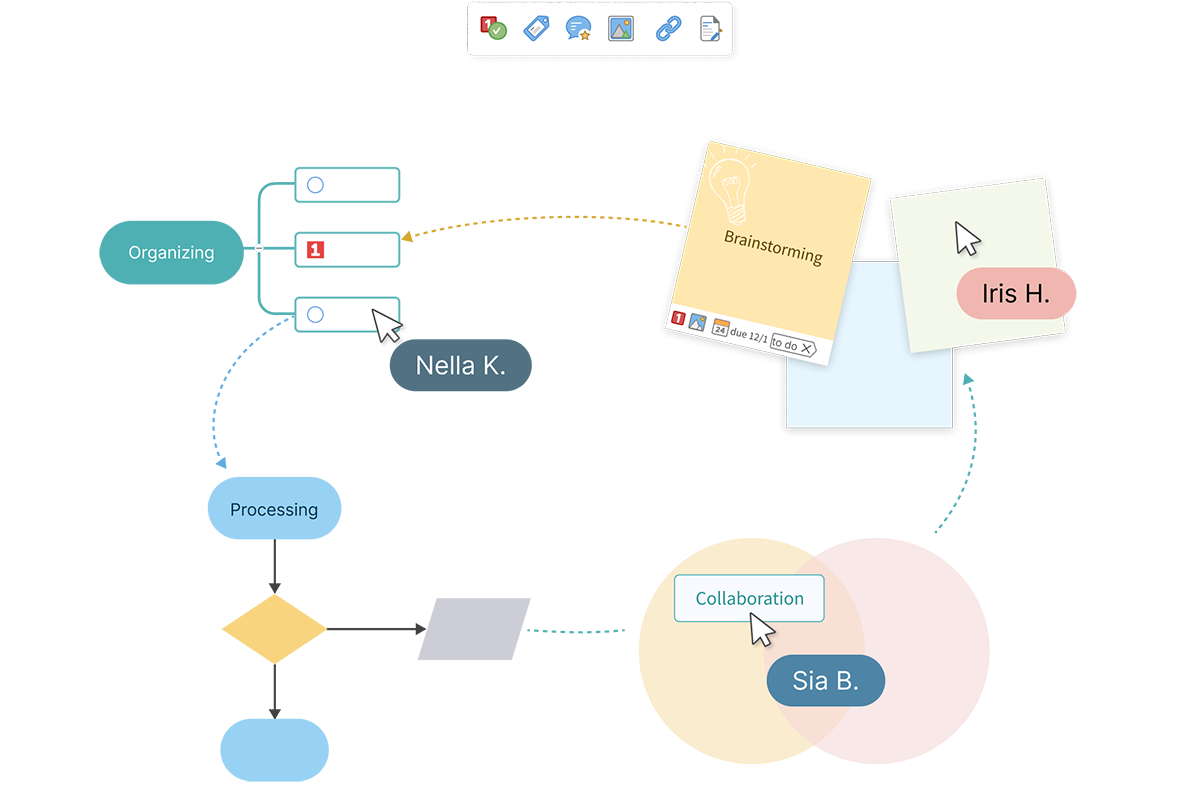 Collaborate in real time or asynchronously across an expansive canvas. Brainstorm and plan with sticky note topics. Convert sticky notes into tasks with due dates and assignees. Combine diverse diagram types. Attach files, links, icons, images, and tags to enhance your workspace.
-
Filtering:
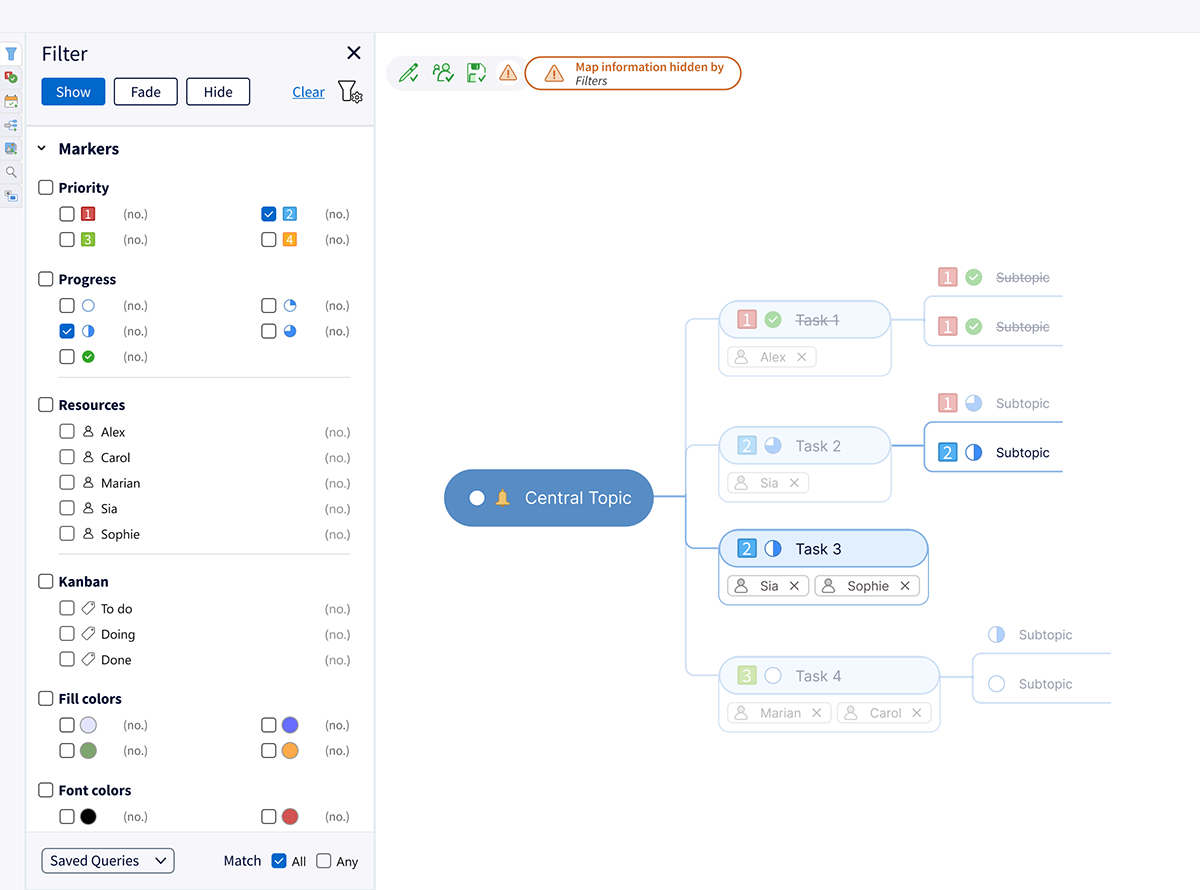 You’ve added priority markers, tag groups, and other icons as visual cues. Now, with the enhanced task pane, you can easily filter your maps and see only what you want with just a couple of quick clicks.
-
Topic Info Cards:
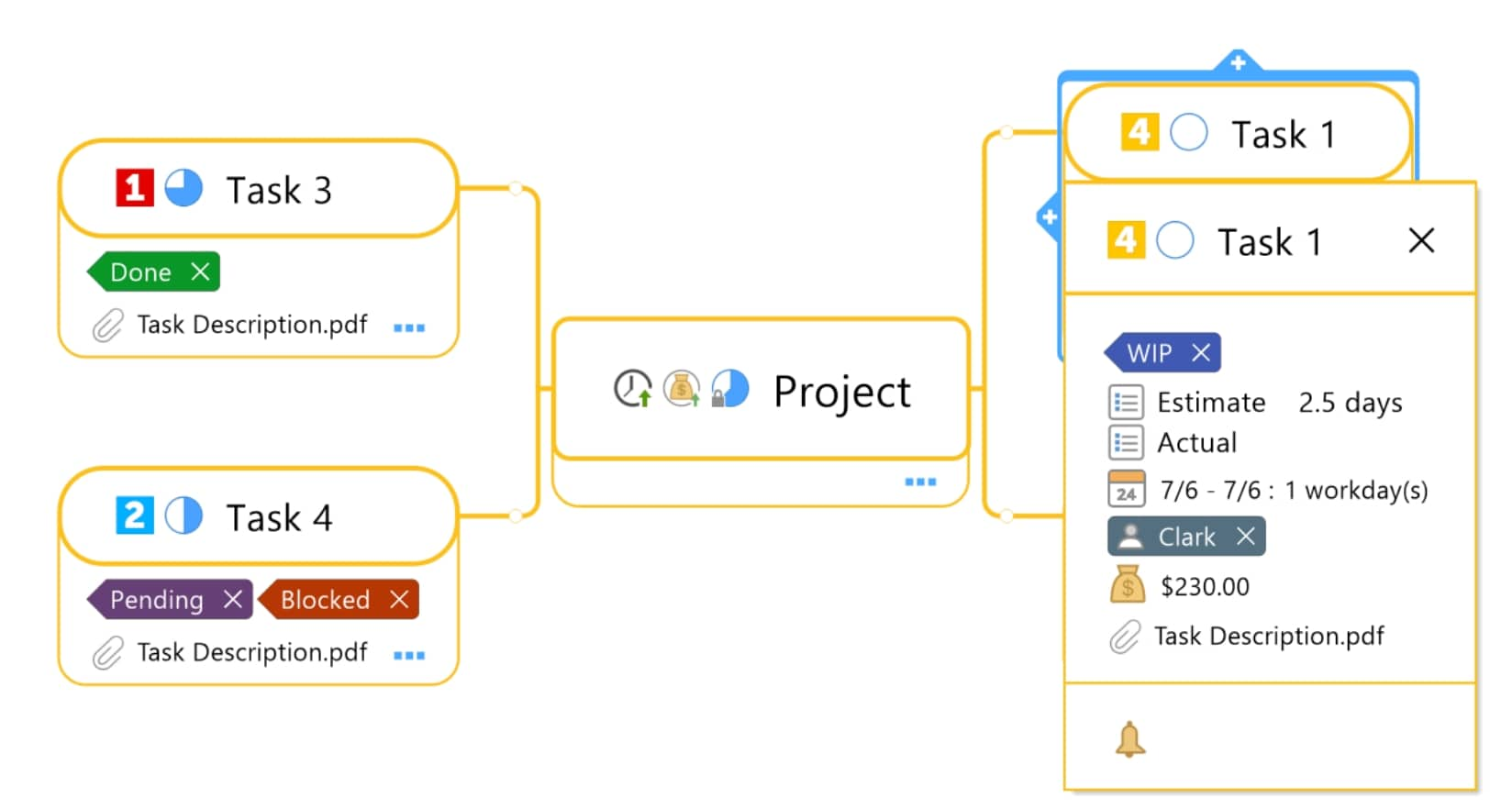 Hide supplemental information to keep your maps free of clutter. Drag and drop info from cards to topics and vice versa.
-
Built-In Templates:
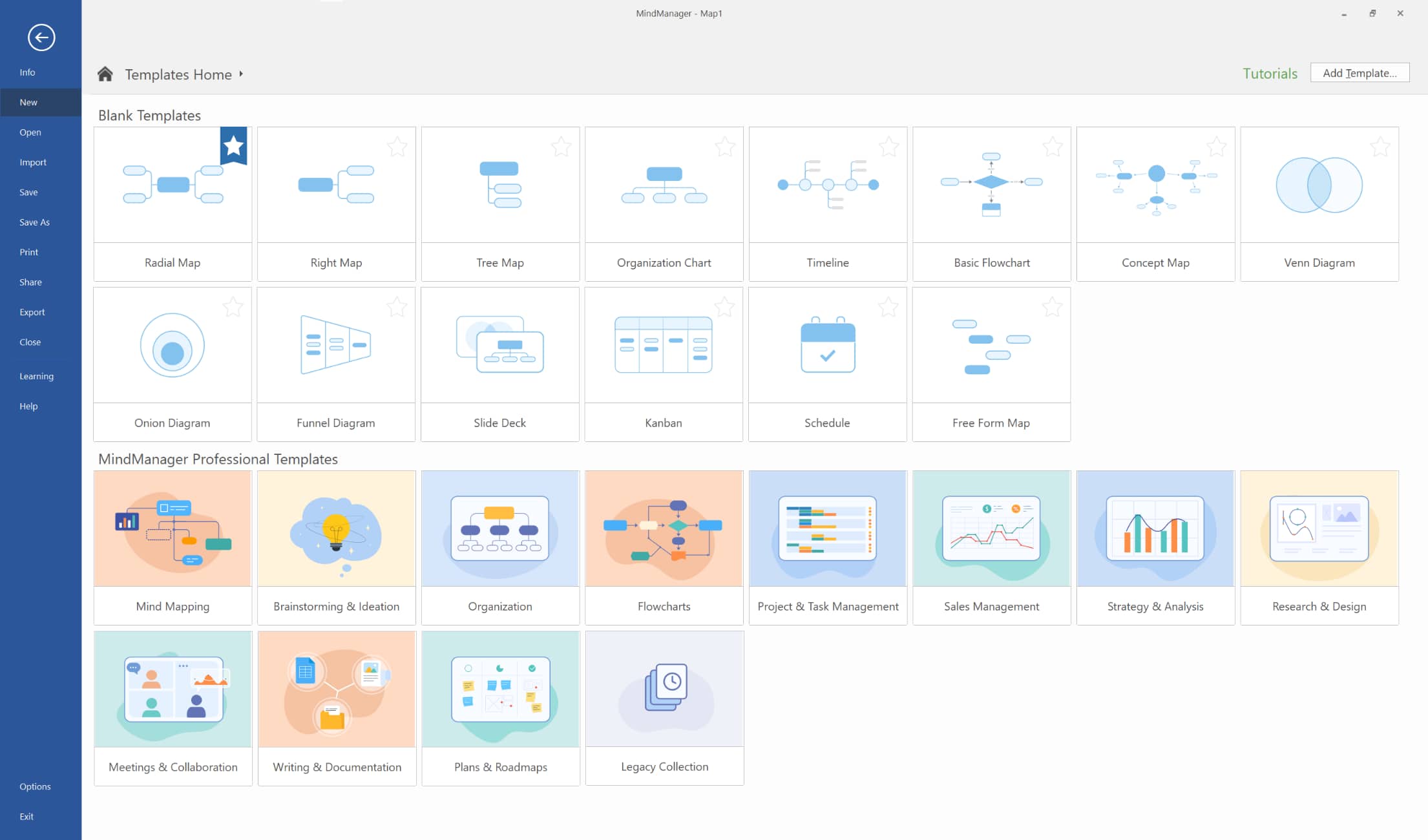 Get a jump start on your projects using a collection of built-in templates. Save valuable time preparing plans, projects, and more.
-
Sticky Notes:
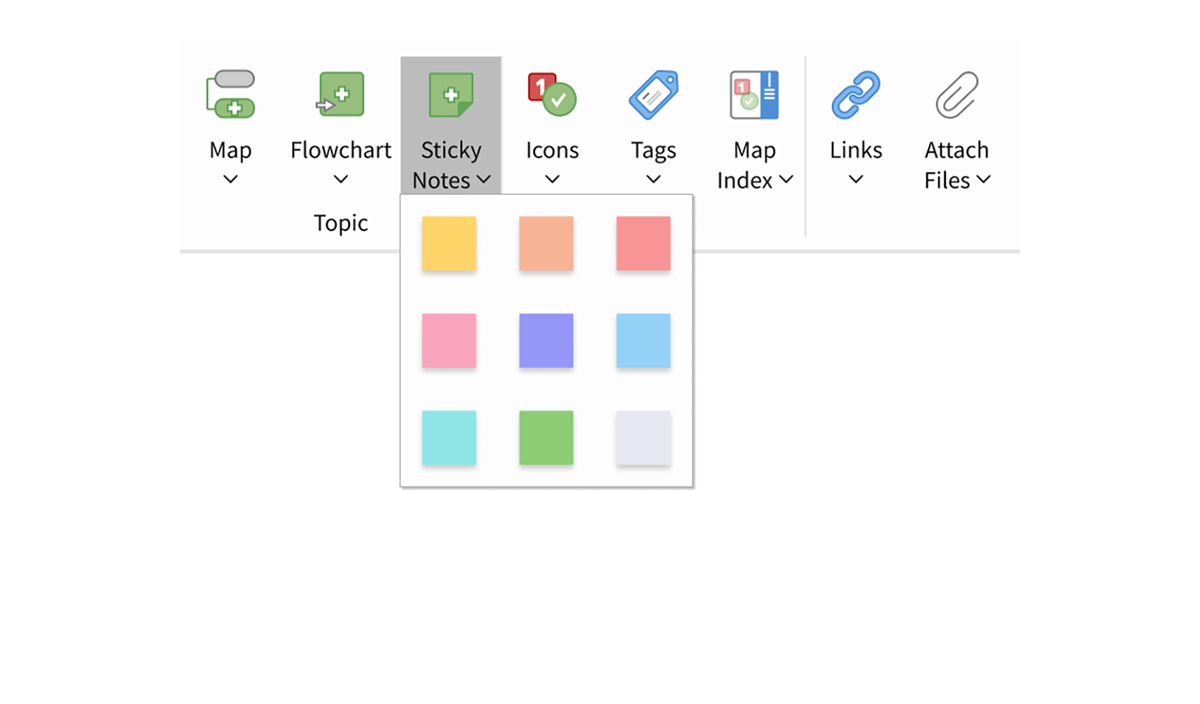 Stimulate idea visualization and brainstorming. Sticky notes enable seamless collaboration for both simultaneous and asynchronous teamwork. Users can easily retain their preferred sticky note styles and formatting for future use.
For Classrooms, MindManager makes it easy to organize lessons, topics and more.
-
Organize and Structure:
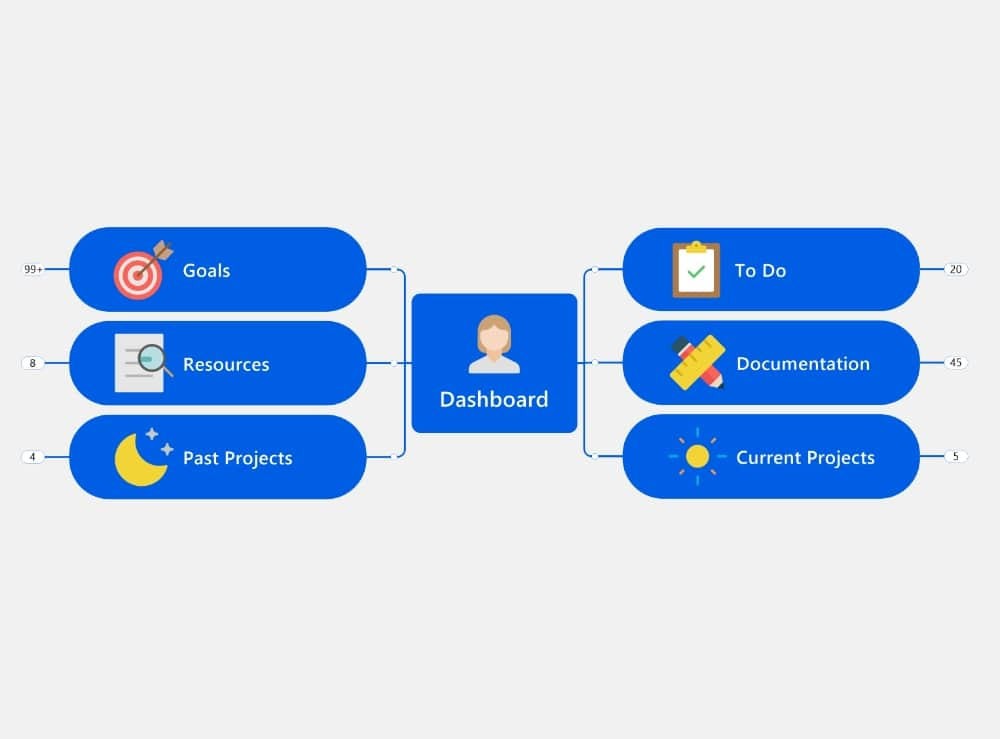 Simply and intuitively gather knowledge and data for your projects, including from external sources. Keep all your links, documents, images, notes, data, and tasks in one place, and focus your attention where it matters most.
-
Capture Content From Anywhere:
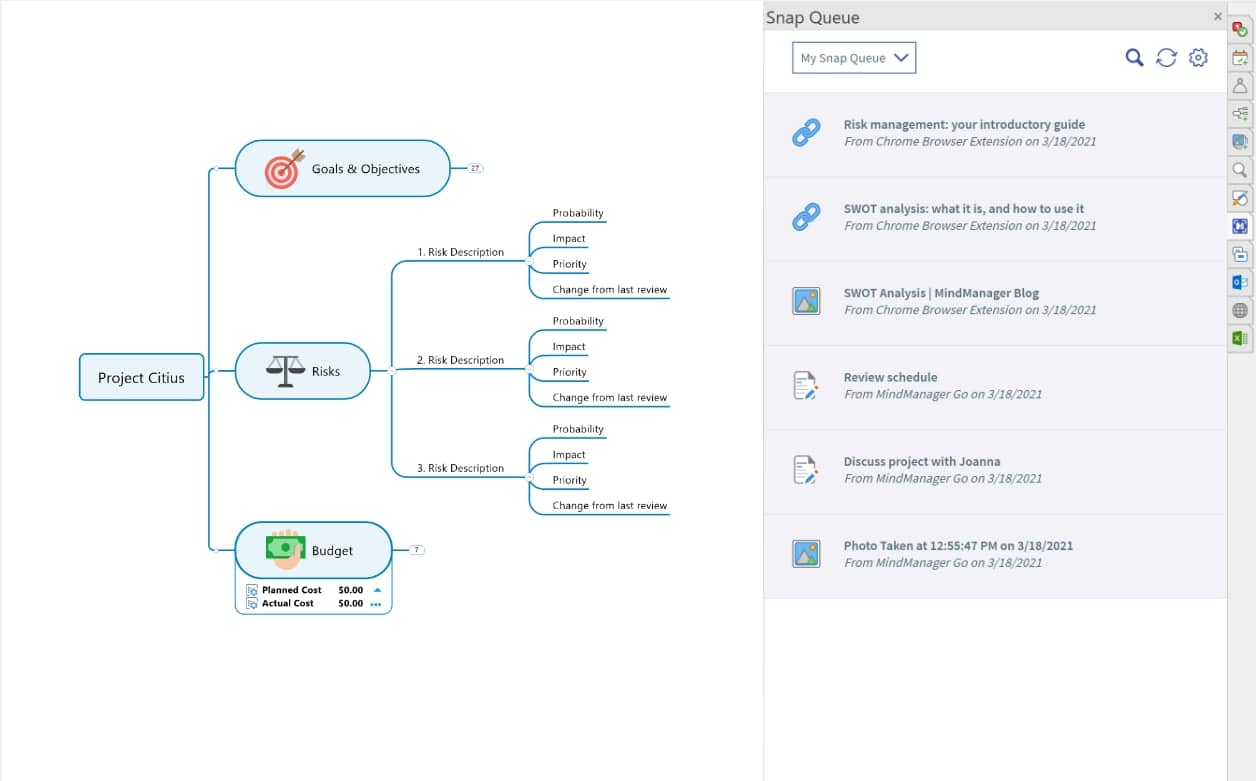 With MindManager Snap, you can snap up ideas or content in real-time. Simply send it to yourself or your classmates and it will be waiting in your respective Snap queues the next time you open MindManager.
-
Sync With Your Online Storage:
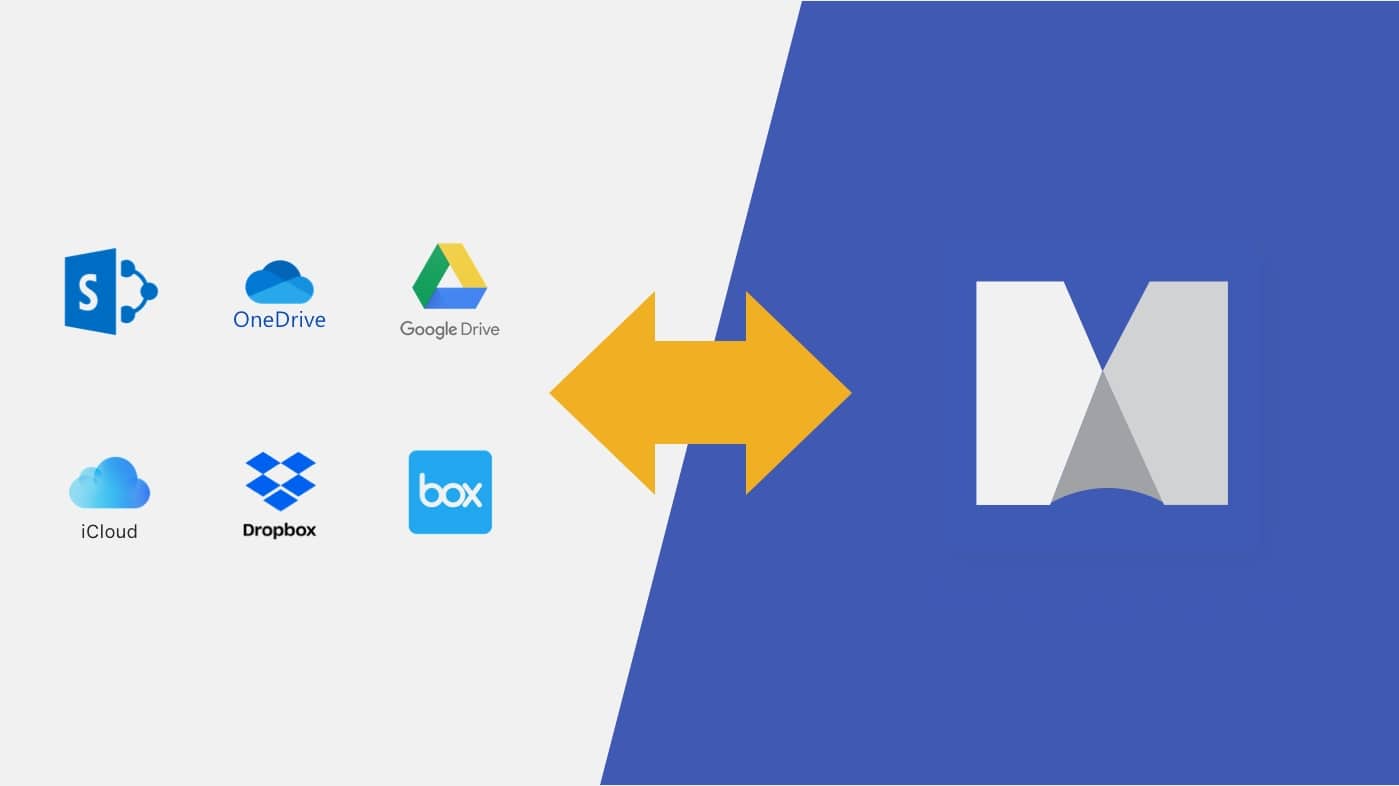 Store and access your assignments online. MindManager supports integration with online storage providers, such as SharePoint, OneDrive, Google Drive, Dropbox, Box, and iCloud - called "Places".
-
Excel Data Mapper:
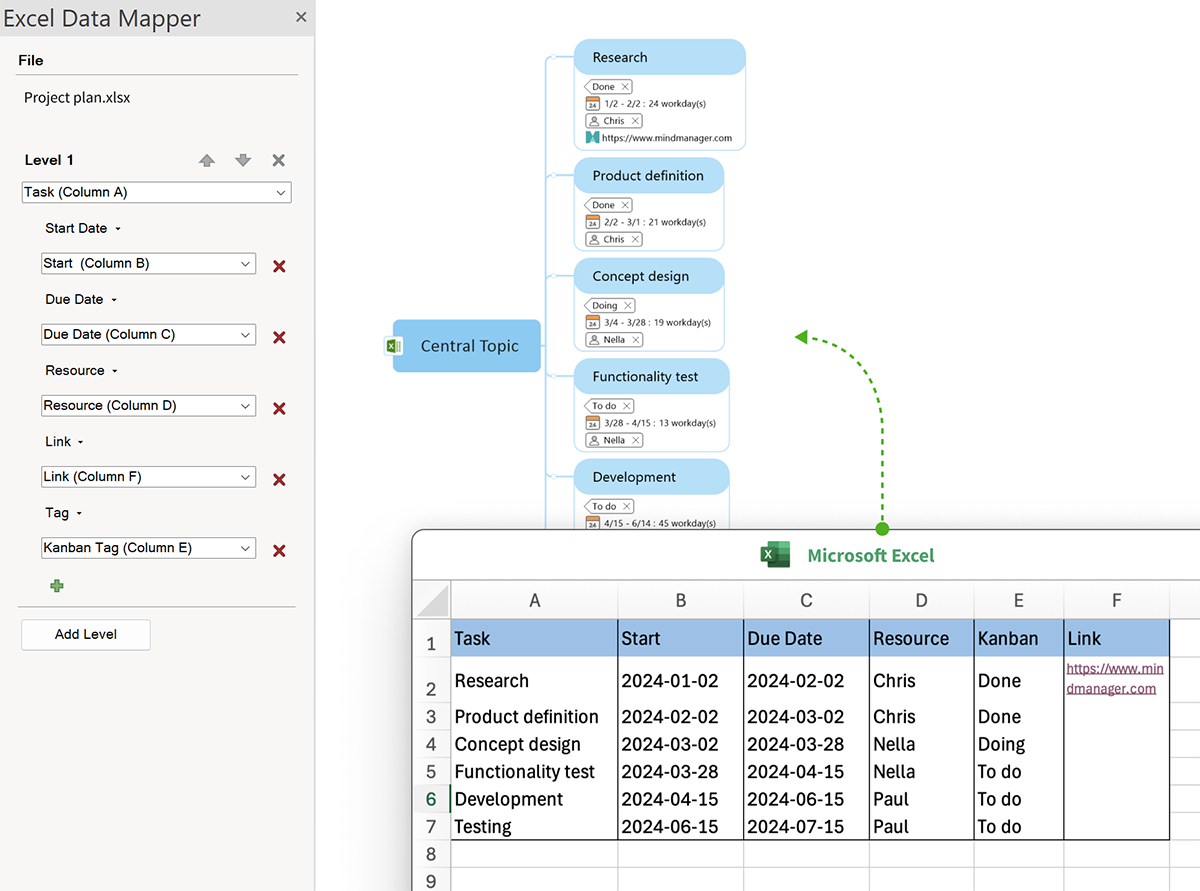 Harness the incredible data-crunching power of Excel and leave its complexity behind. Create a map view of spreadsheet content that includes only the data you need to see, the way you want to see it.
-
MindManager Files:
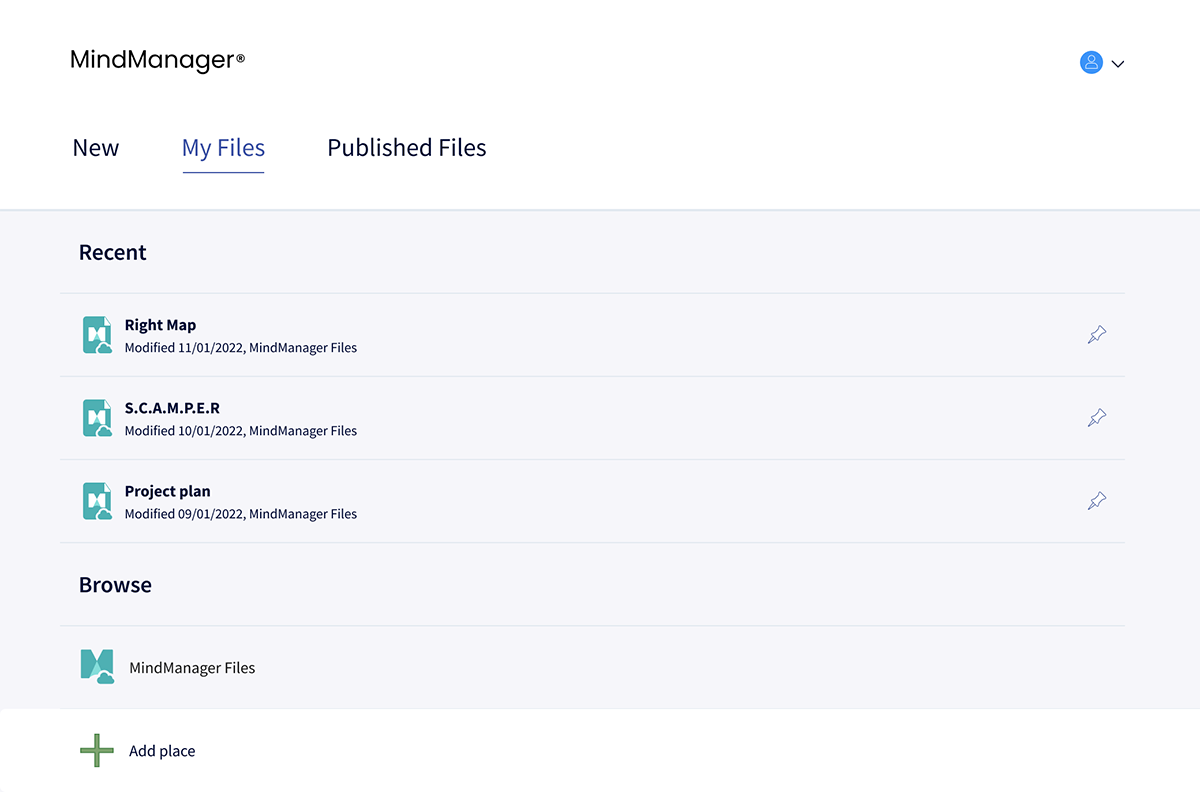 Streamline the process of saving and sharing files with MindManager Files, integrated cloud file storage for saved maps. The need for third-party storage is eliminated and it enhances the co-editing experience.
-
Dynamic Views:
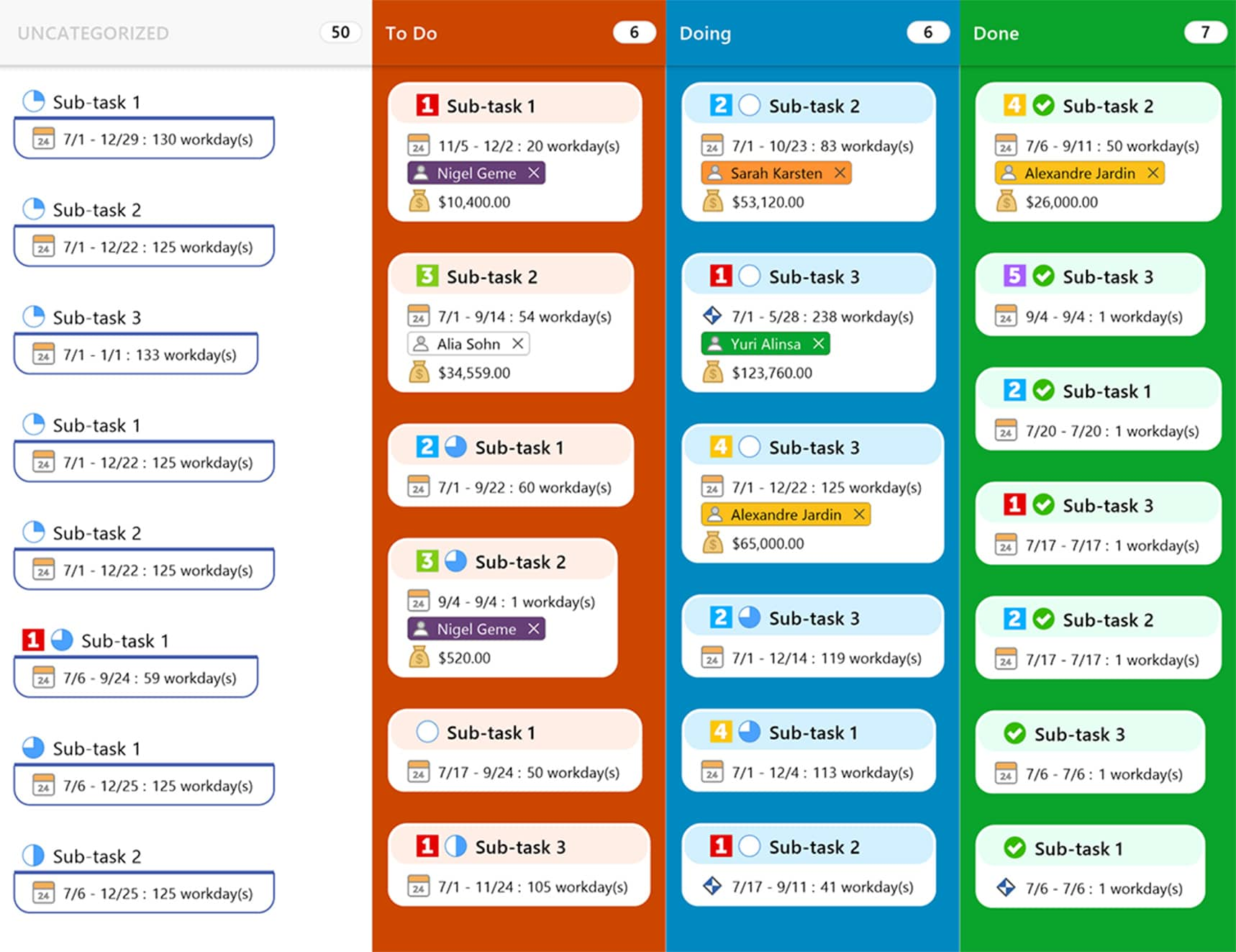 See your content, plans, projects, and processes from every perspective with a view for any situation, including map view, outline view, Gantt chart view, schedule view, icon view, and tag view.
-
Cross-Platform Co-Editing:
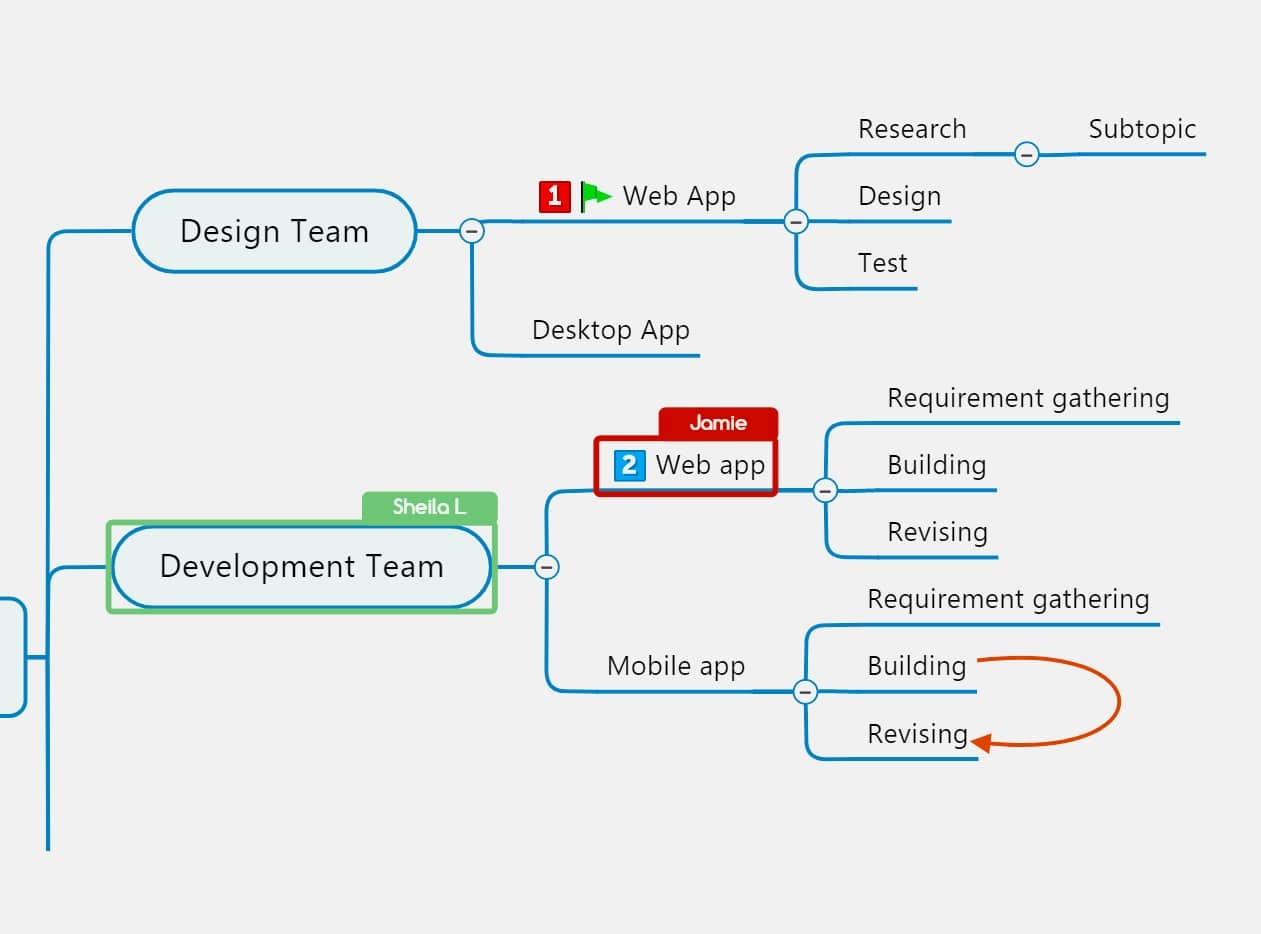 Invite other students or group members across locations and time zones to work together on maps in real-time.
-
Publish and Share Your Work:
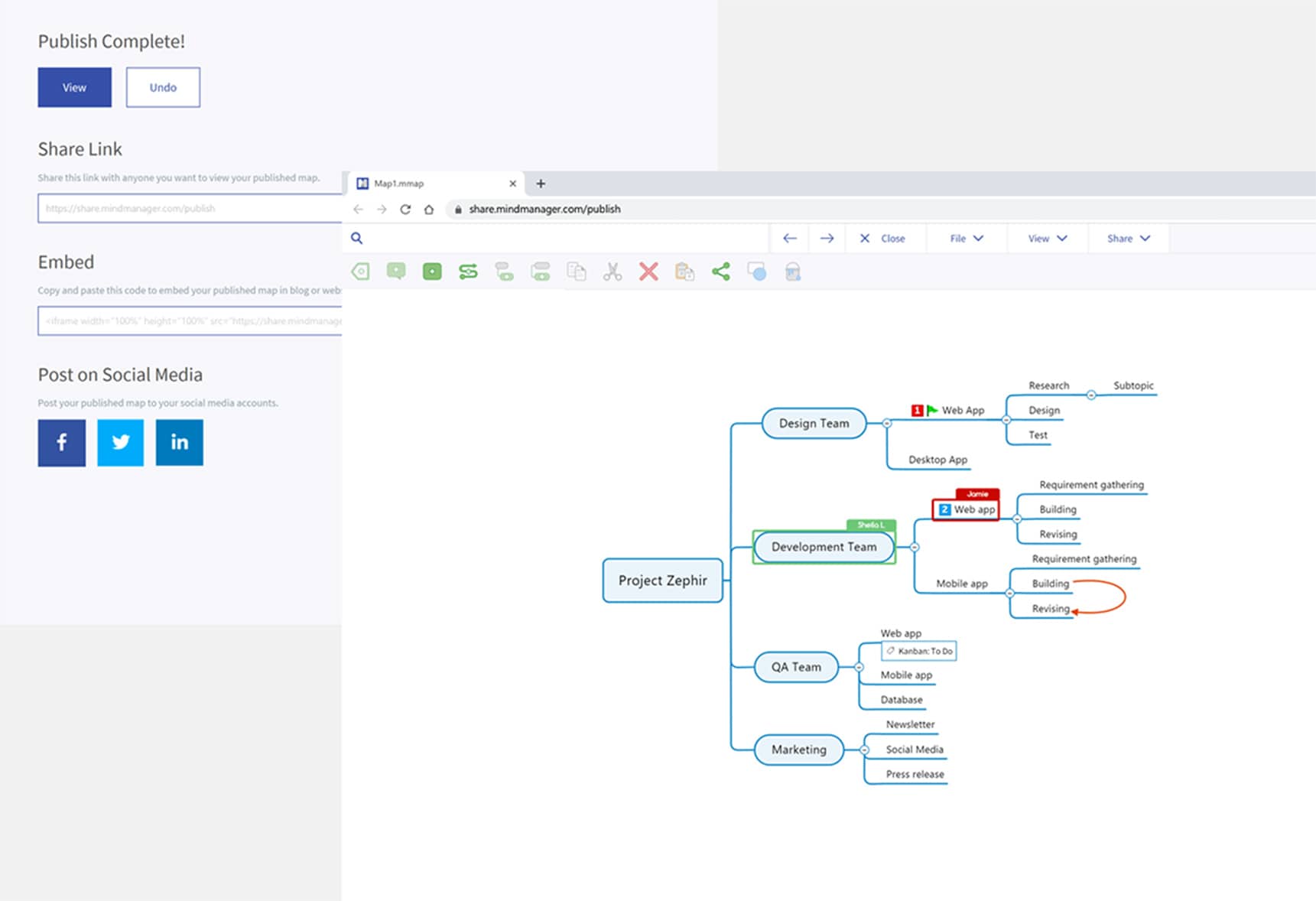 Publish and easily share your maps using a dynamic web link that can be updated anytime and accessed via a web browser. With revamped sharing capabilities, you can assign diverse access levels, such as viewing, commenting, or editing, without managing individual permissions.
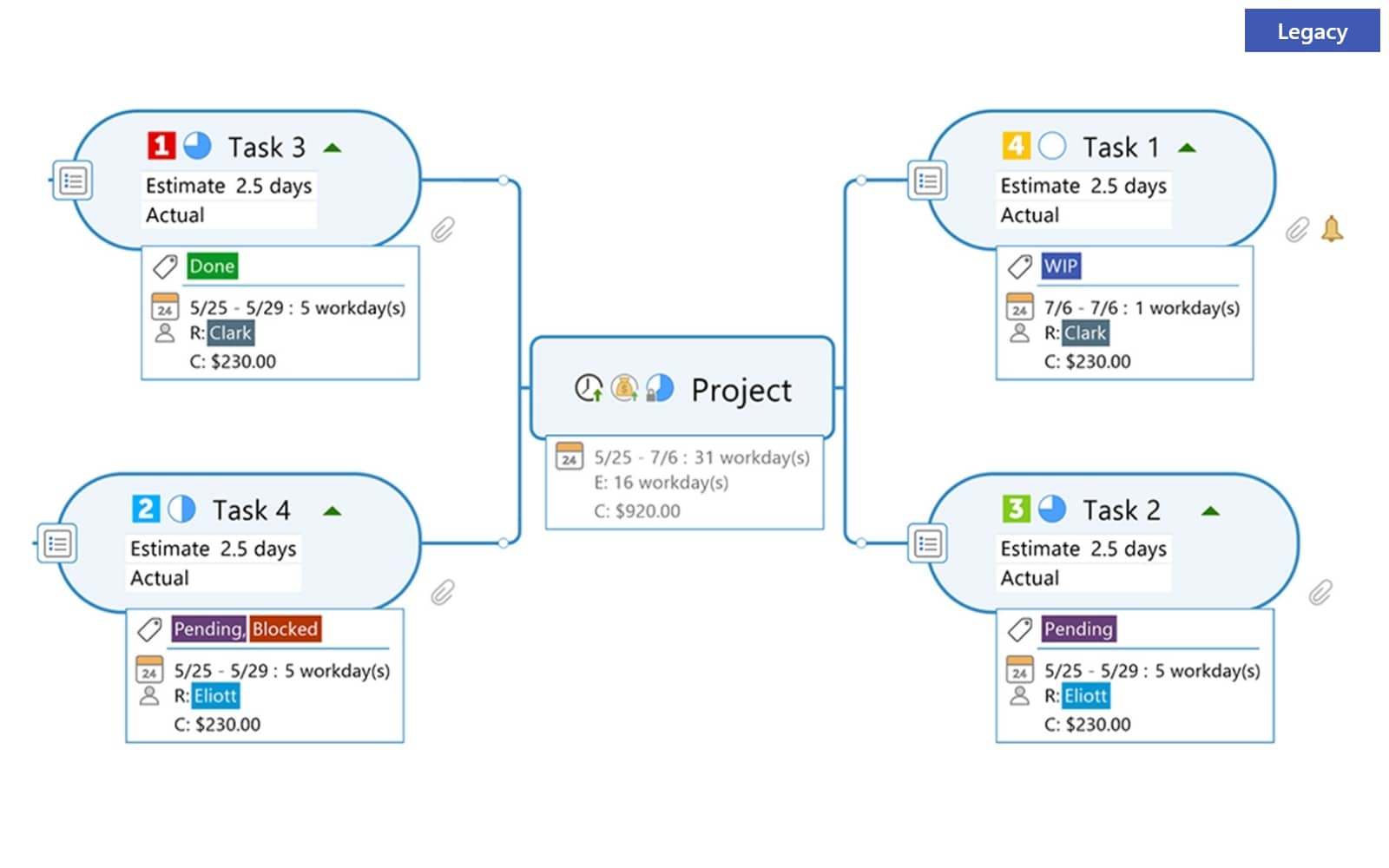
Gain greater flexibility over the way your information is displayed. With a fresh new design, the new topic info style is clearer, concise, and customizable.
System Requirements:
- Supported Operating Systems:
- Microsoft® Windows® 11 32-bit and 64-bit
- Microsoft® Windows® 10 32-bit and 64-bit
System Requirements:
- Processor: 1.6 GHz or faster, 2-core
- 2 GB RAM or greater
- 1.5 GB available disk space
- Recommended minimum display: 1280 x 720 pixels*
- The SharePoint Linker feature supports the following authentication methods: NTLM, Forms Based, SAML for SharePoint 2013, Azure ADFS/On Premises, Office 365, and Multi-Factor Authentication
Additional requirements to use certain features:
- Microsoft Office Professional 2016 or later (32-bit and 64-bit)
- Microsoft Project 2016 or later (32-bit and 64-bit)
- Microsoft Edge WebView2 Runtime
- Internet Connection
* - Minimum resolution assumes zoom, DPI settings, and text scaling are set at 100%. If not set to 100%, minimum resolution should be scaled accordingly.
/eh/2025-01-08/173633966714069467/picture.png)

/eh/2024-12-24/173503345348979036/Favorite-Icon.png)
/eh/2025-07-08/1751962110204480194/picture.png)
/eh/2025-06-21/1750485478958537574/countryInfoIcon.png)
/eh/2025-06-21/1750485741321434291/Hi-Sign-in-My-Nihao.png)
/eh/2025-06-21/1750485837193896318/cart.png)
/eh/2025-06-21/1750485968202533847/cart.png)
/eh/2025-04-17/1744862476612819675/hot-img.png)
/eh/2025-11-07/1762504524550532584/header-icon.jpg)
/eh/2025-07-07/1751875582852206790/header-icon.png)
/eh/2025-07-07/1751875587886277738/header-icon.png)


