/eh/2025-01-08/173633966714069467/picture.png)

/eh/2024-12-24/173503345348979036/Favorite-Icon.png)
/eh/2025-07-08/1751962110204480194/picture.png)
/eh/2025-06-21/1750485478958537574/countryInfoIcon.png)
/eh/2025-06-21/1750485741321434291/Hi-Sign-in-My-Nihao.png)
/eh/2025-06-21/1750485837193896318/cart.png)
/eh/2025-06-21/1750485968202533847/cart.png)
/eh/2025-04-17/1744862476612819675/hot-img.png)
/eh/2025-11-07/1762504524550532584/header-icon.jpg)
/eh/2025-07-07/1751875582852206790/header-icon.png)
/eh/2025-07-07/1751875587886277738/header-icon.png)

Best in 7 days


Shopping security
Compatible with
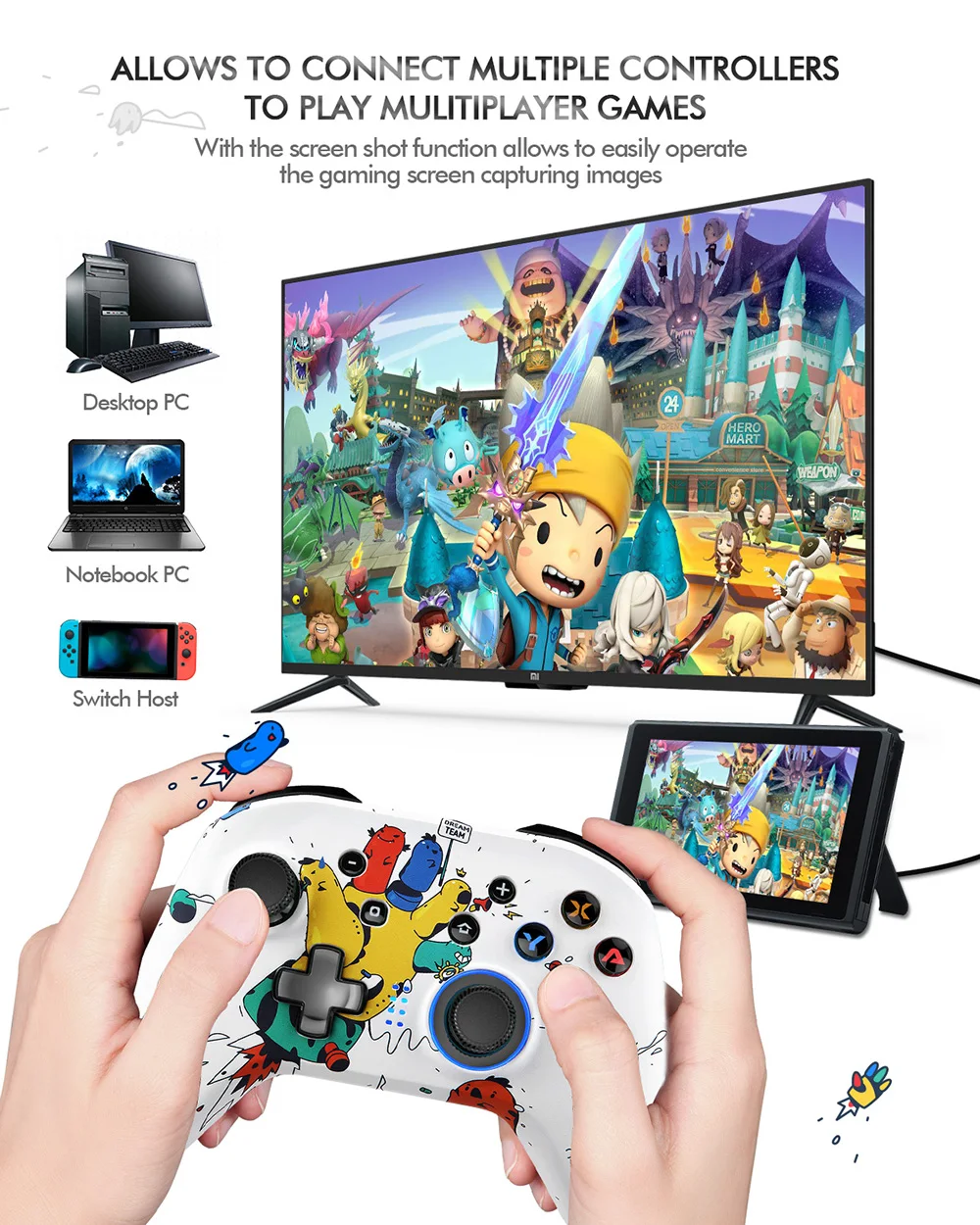
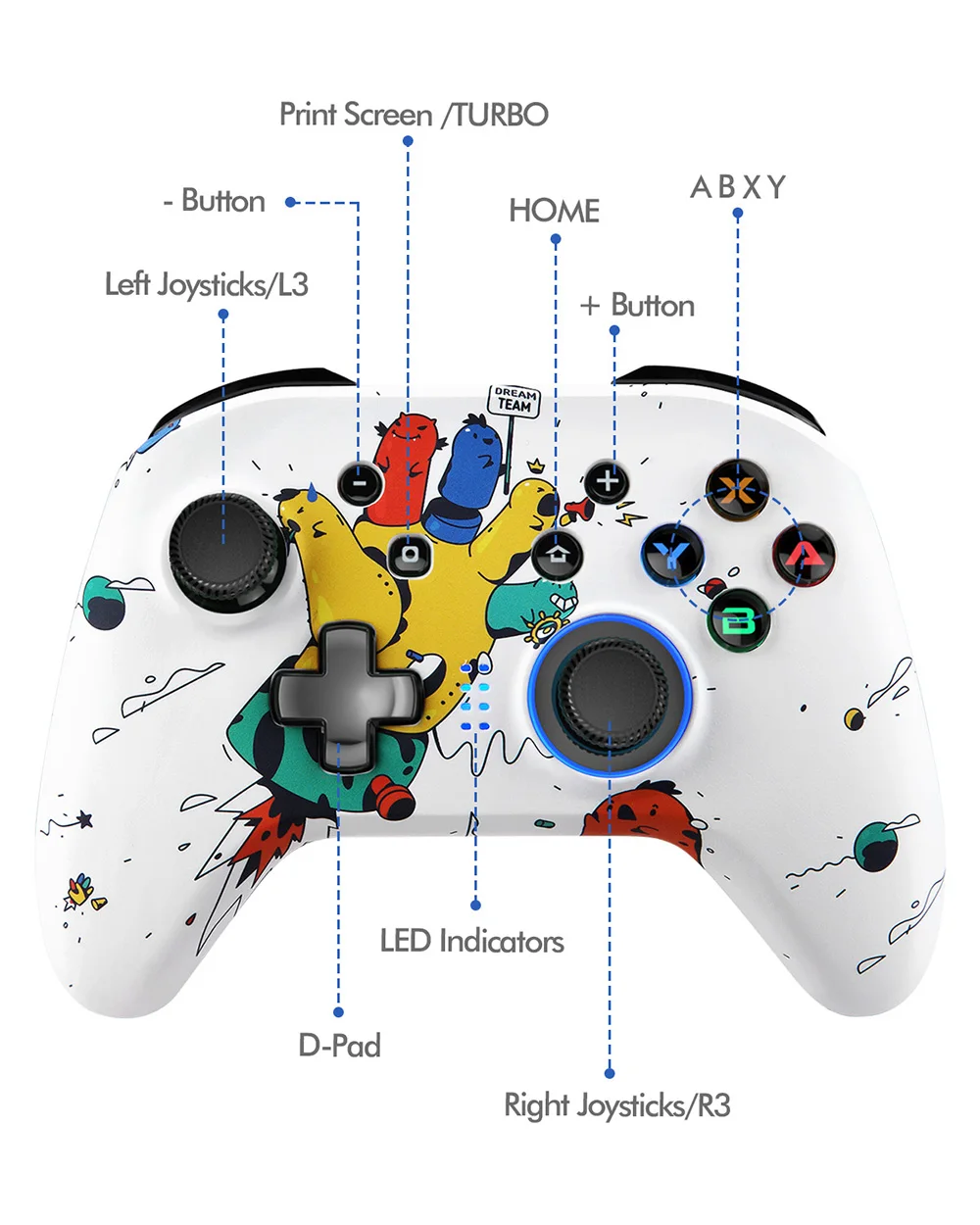
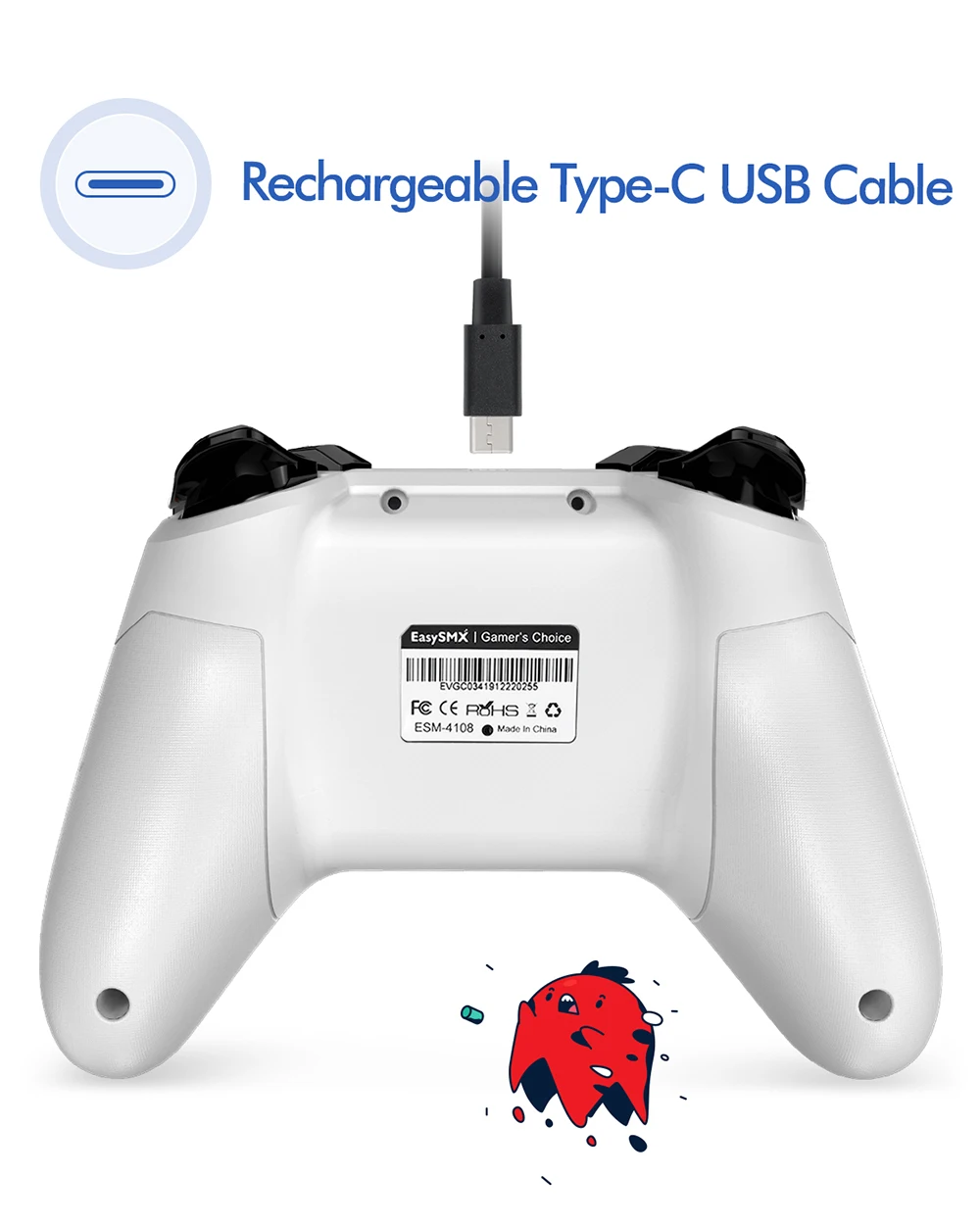
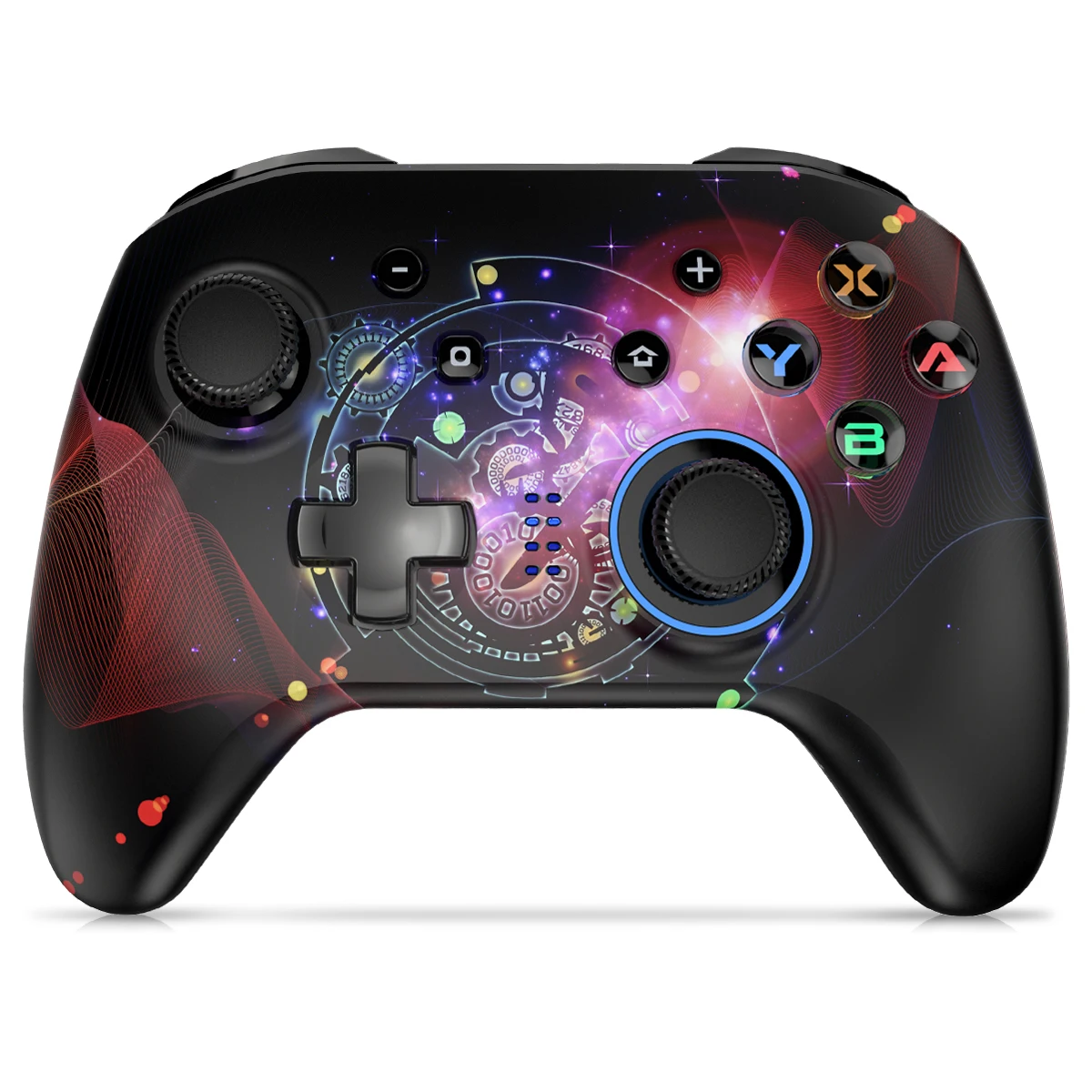
Connection to the switch 1. Open the switch host and select the menu "Controller" - "Change controller and order". 2. Press and hold the Y button + the HOME button. The channel lighting begins to fit. 3. If the channel indicator is lit, it means that pairing was successful. PC connection 1. Connect the controller directly to the PC with the USB cable. 2. When LED1 + LED4 light up, the connection is established.

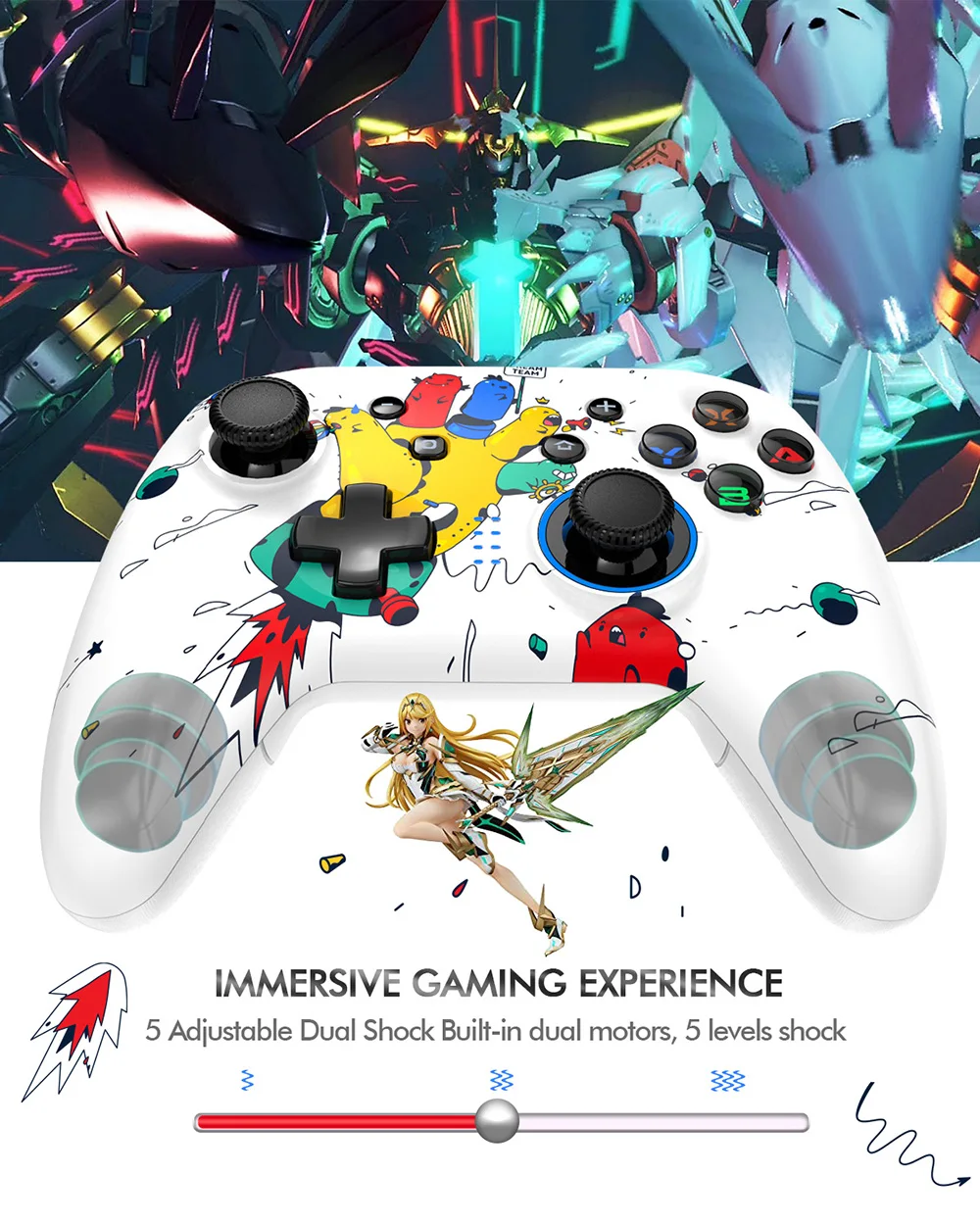
Adjustment of the motor vibration intensity
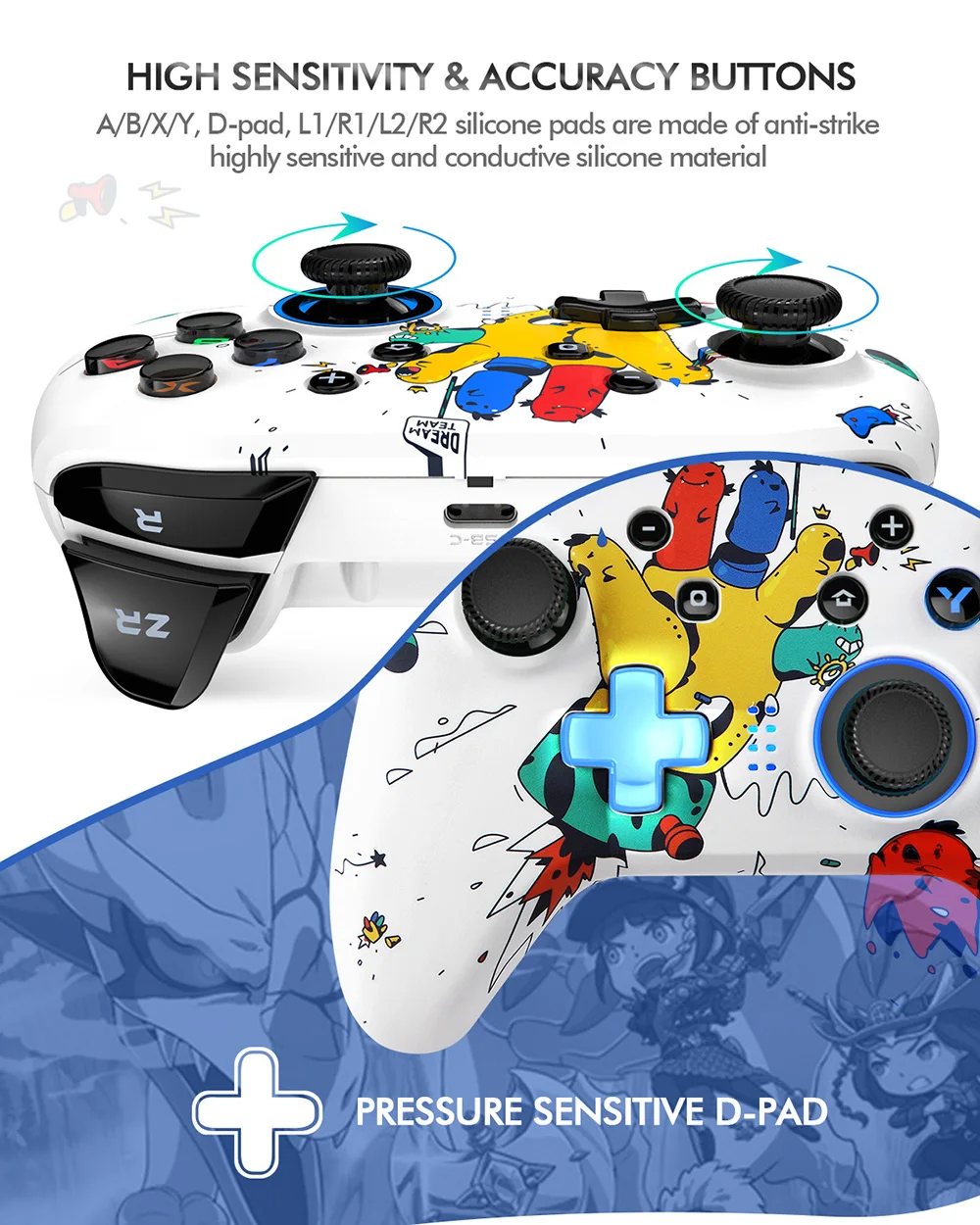
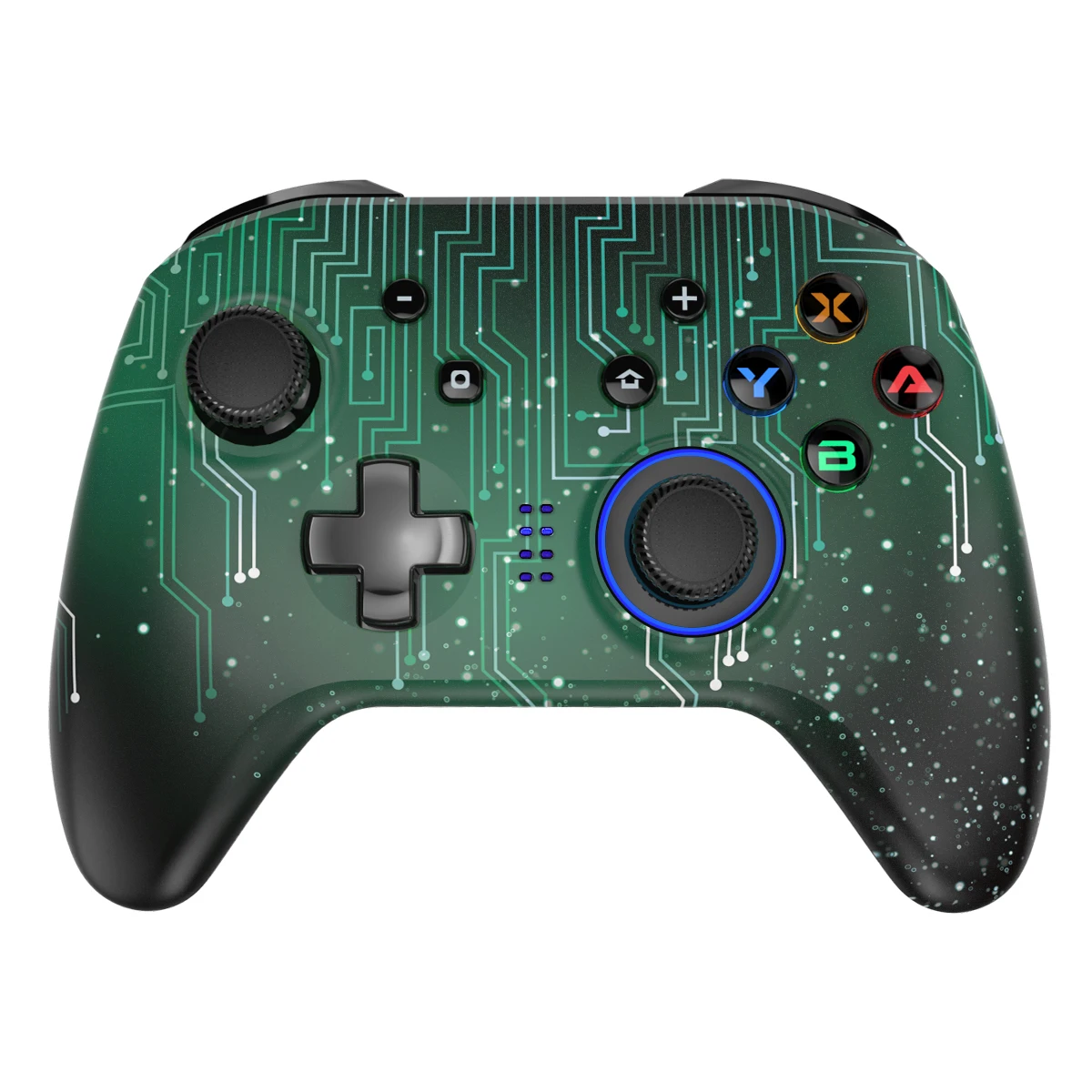
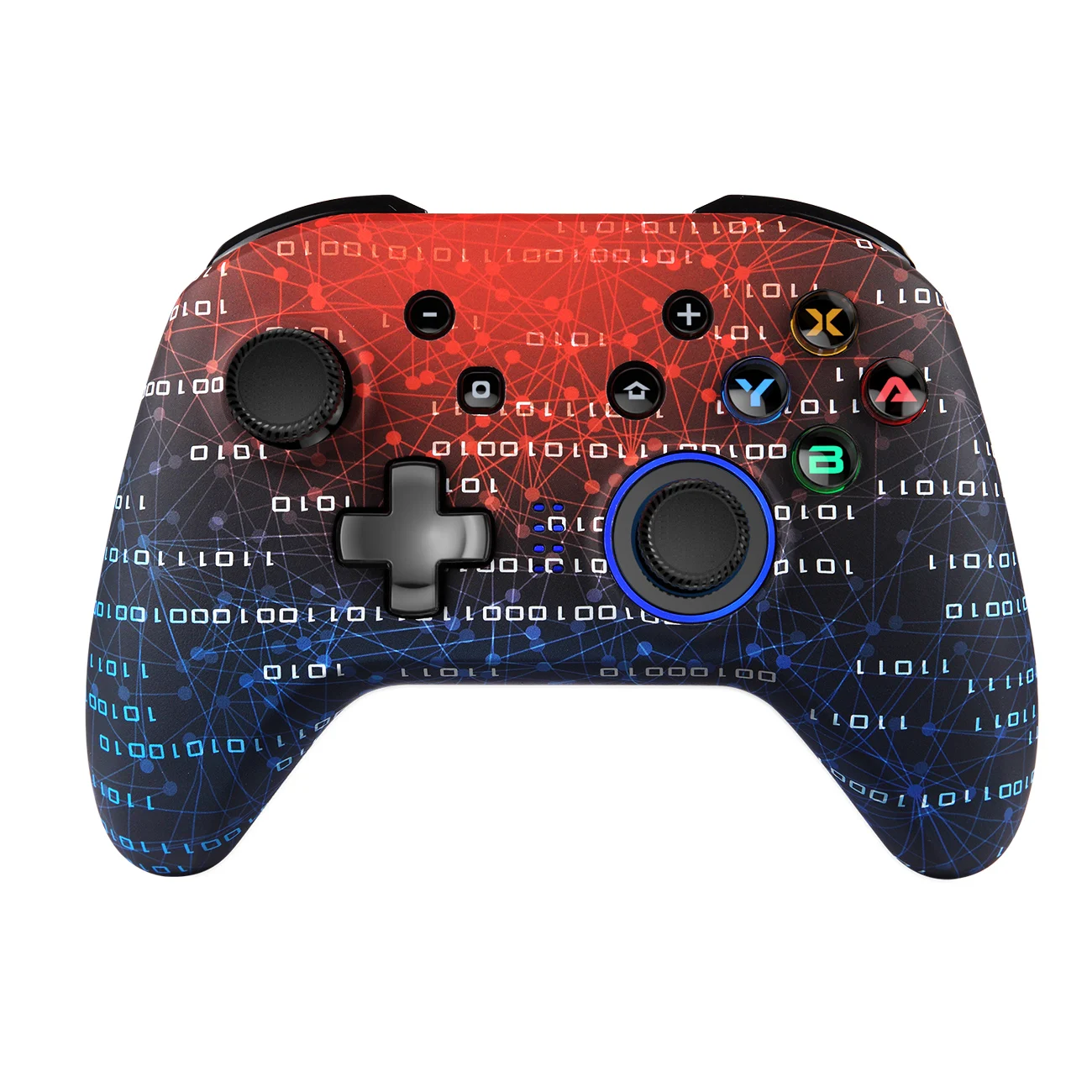
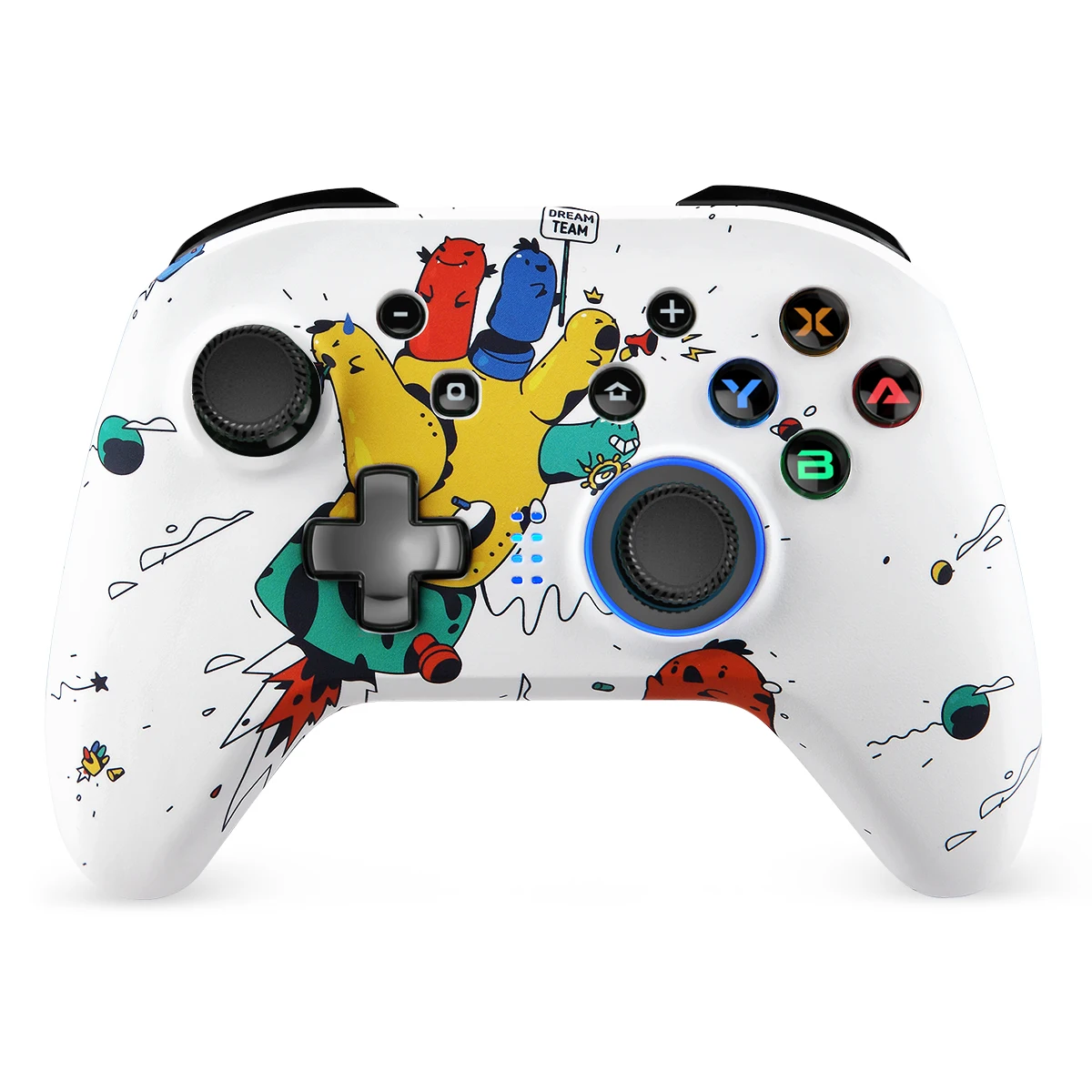
TURBO key + Cross key These buttons work simultaneously to adjust the vibration intensity of the controller 5 levels of vibration intensity adjustment Adjust the brightness of the LED backlight ZL key + ZR key + R3 key + Cross key These buttons work simultaneously to adjust the light intensity of the controller 5 levels of brightness. ATTENTION: Press the L + R button for 5 seconds to turn on the light
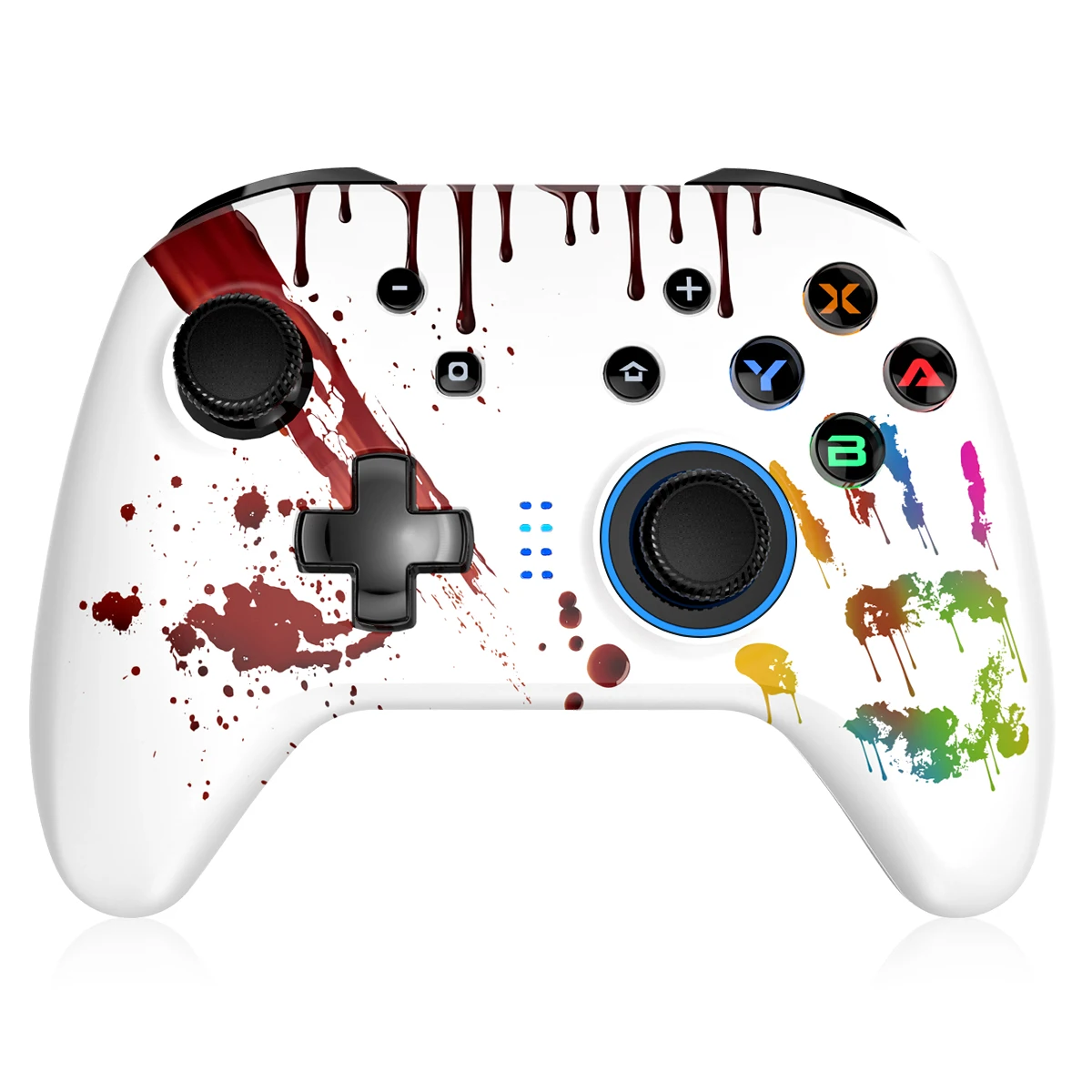
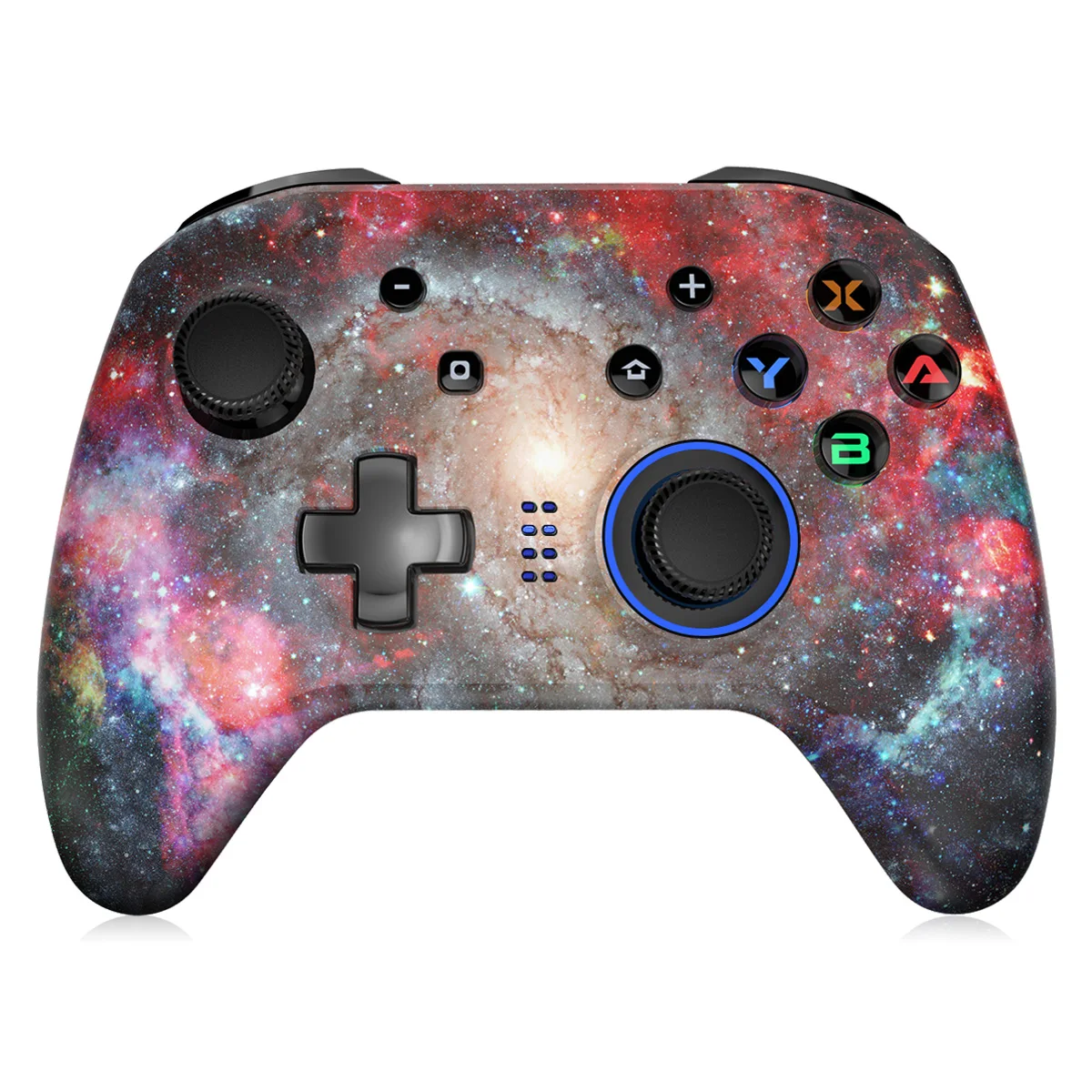
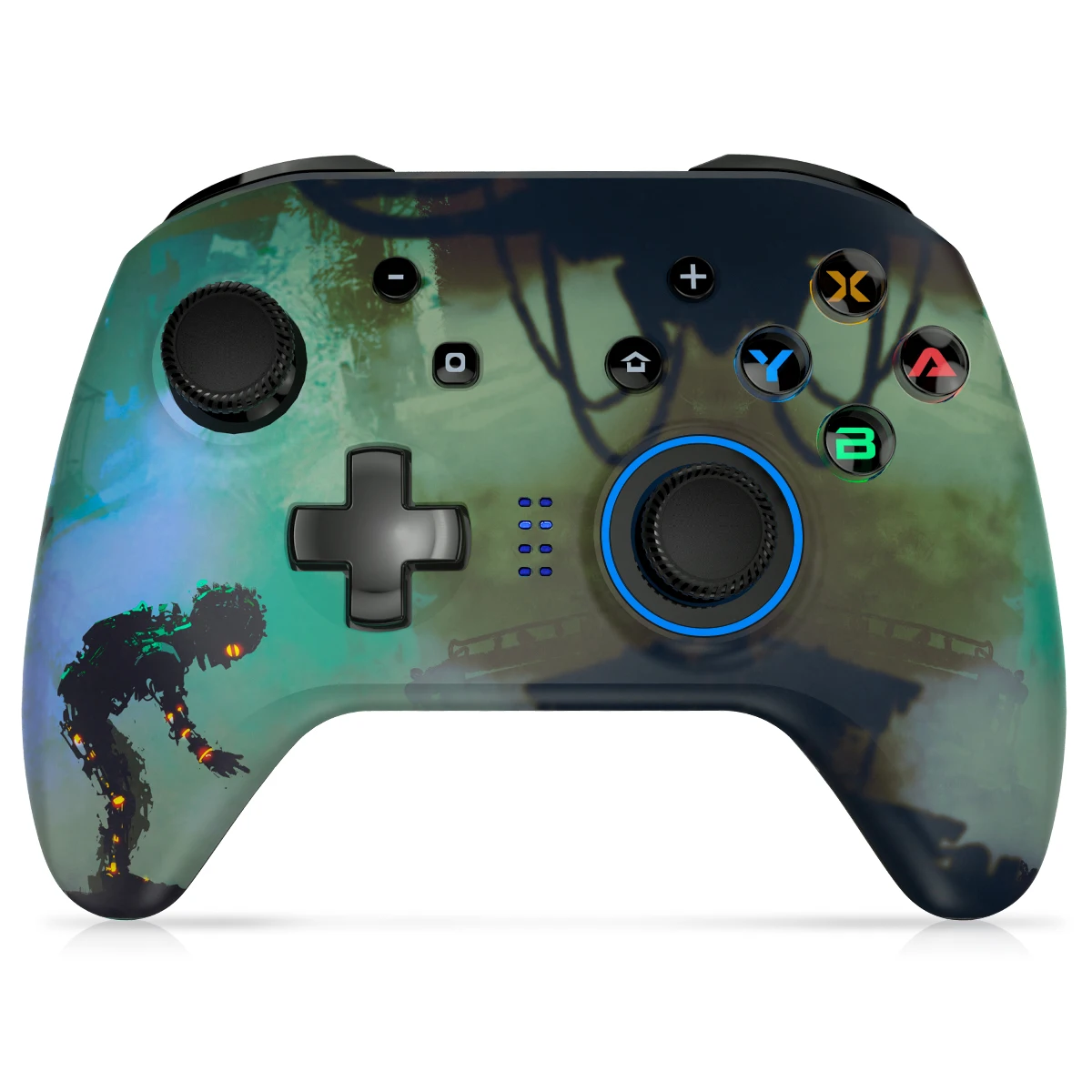
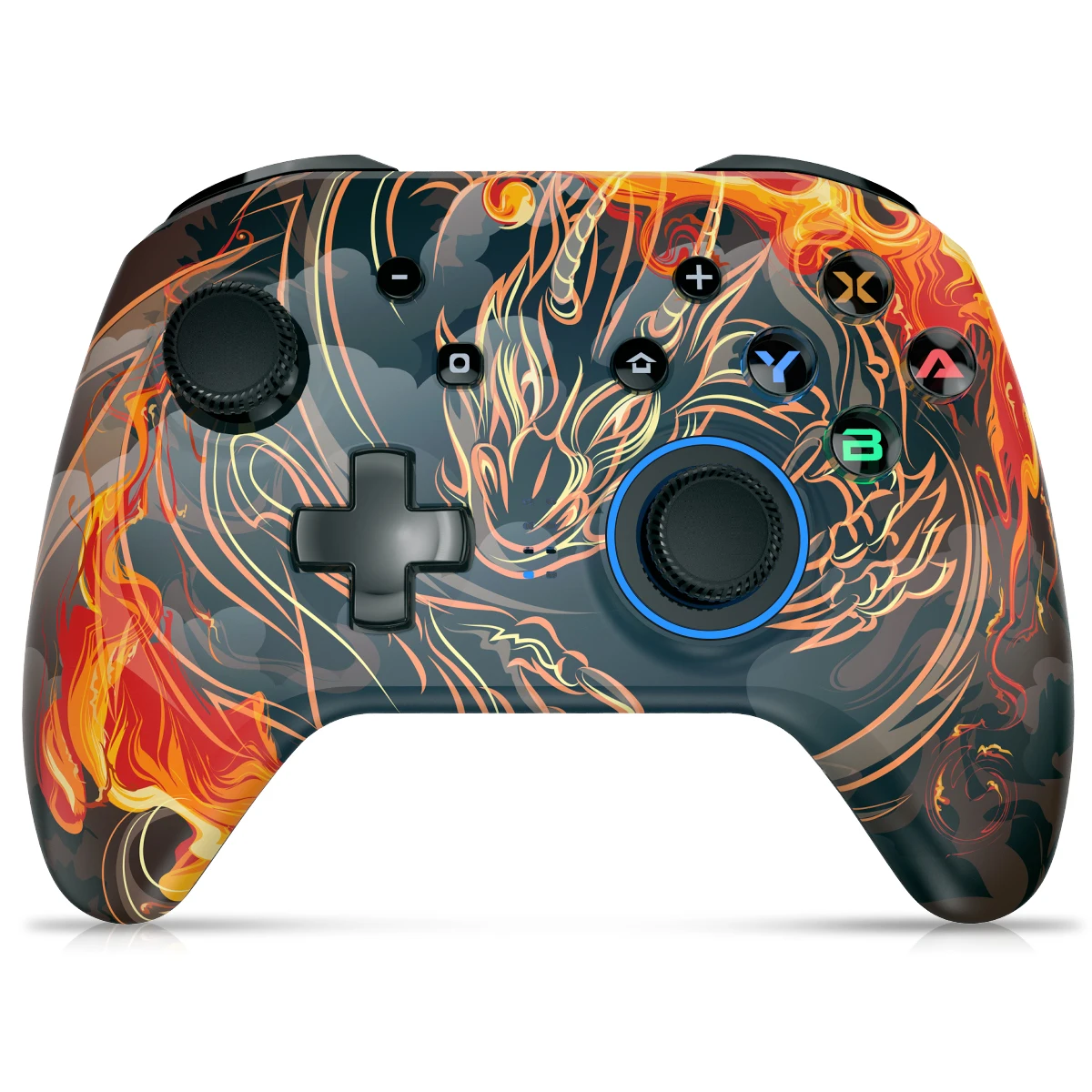
Ships within 48 hours · Estimated delivery Aug 20 - Aug 25
US$40
Get nowSign up to your membership to get coupons up to
15%
Get nowOpportunity to enjoy order discount up to 15% off
Top-Converting Item to Boost Your Average Order


